Page 25
8.6 SMS MESSAGES EDITOR
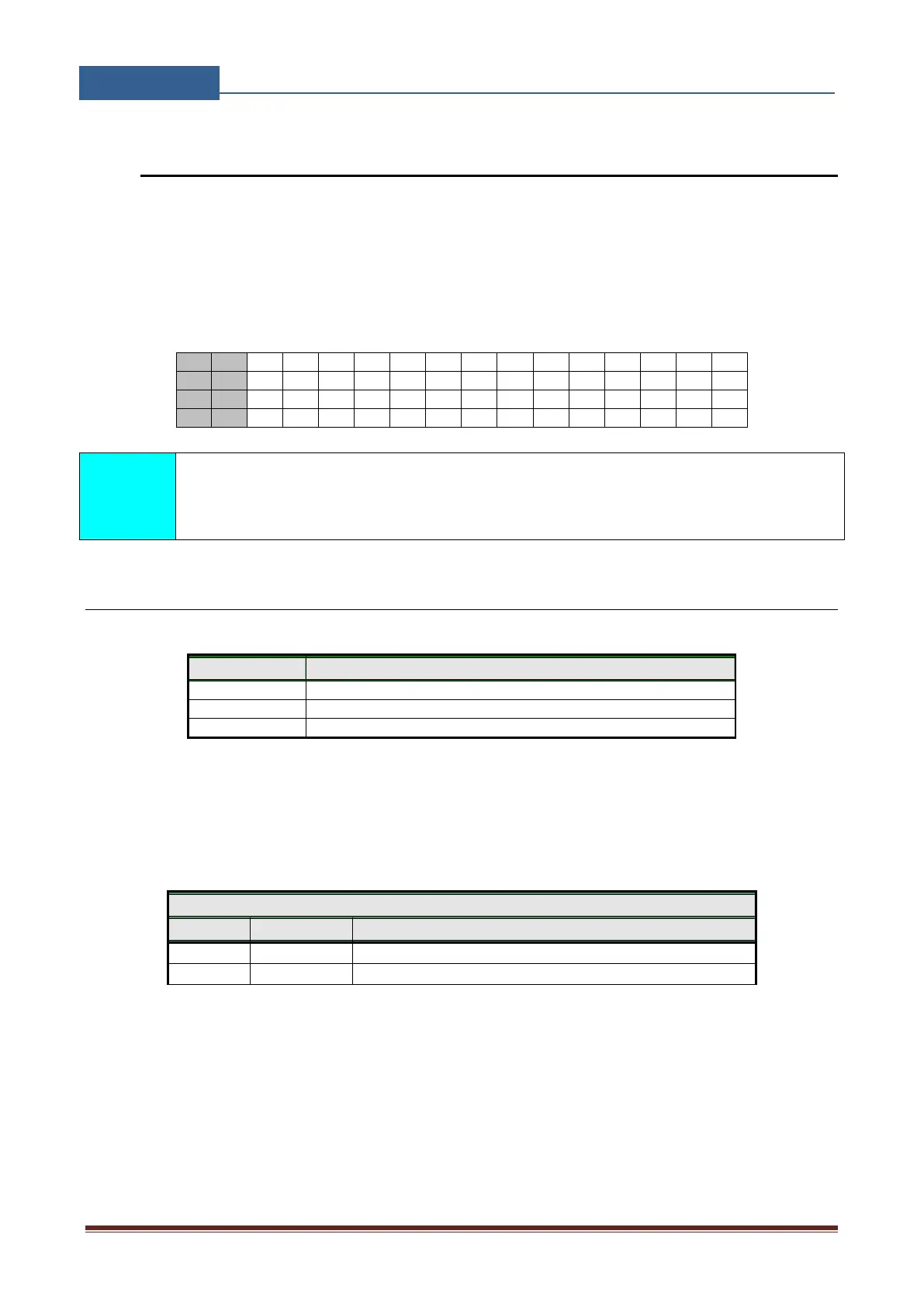
You can write and send a short SMS message for each alarm input. The default message is English,
but it is possible to change language with LNG parameter. Each message is built from 3 parts and
user can write the first (User Location) and the second (alarm event) part of the message. Unit adds
the third part (alarm event description) automatically. Language of the 3rd part may be changed by
LNG parameter. The message is stored in the SIM phone book so you should add any number for
correct operation.
Message should not be longer than 14 characters! Space is also counted as one
character!
8.6.1 Table of parameters
User location, same for all alarm messages
Input 1, second part of message
Input 2, second part of message
Table 13: Message parameters
Example:
Direct programming on the SIM card
GSW2 PLUS PROGRAMMING TABLE
Alarm input is from the kitchen
Table 14: Message parameters example
Remote programming by SMS
;#0HOUSE=1;#1KITCHEN=1;


 To Next Page