Page 7
3 START UP
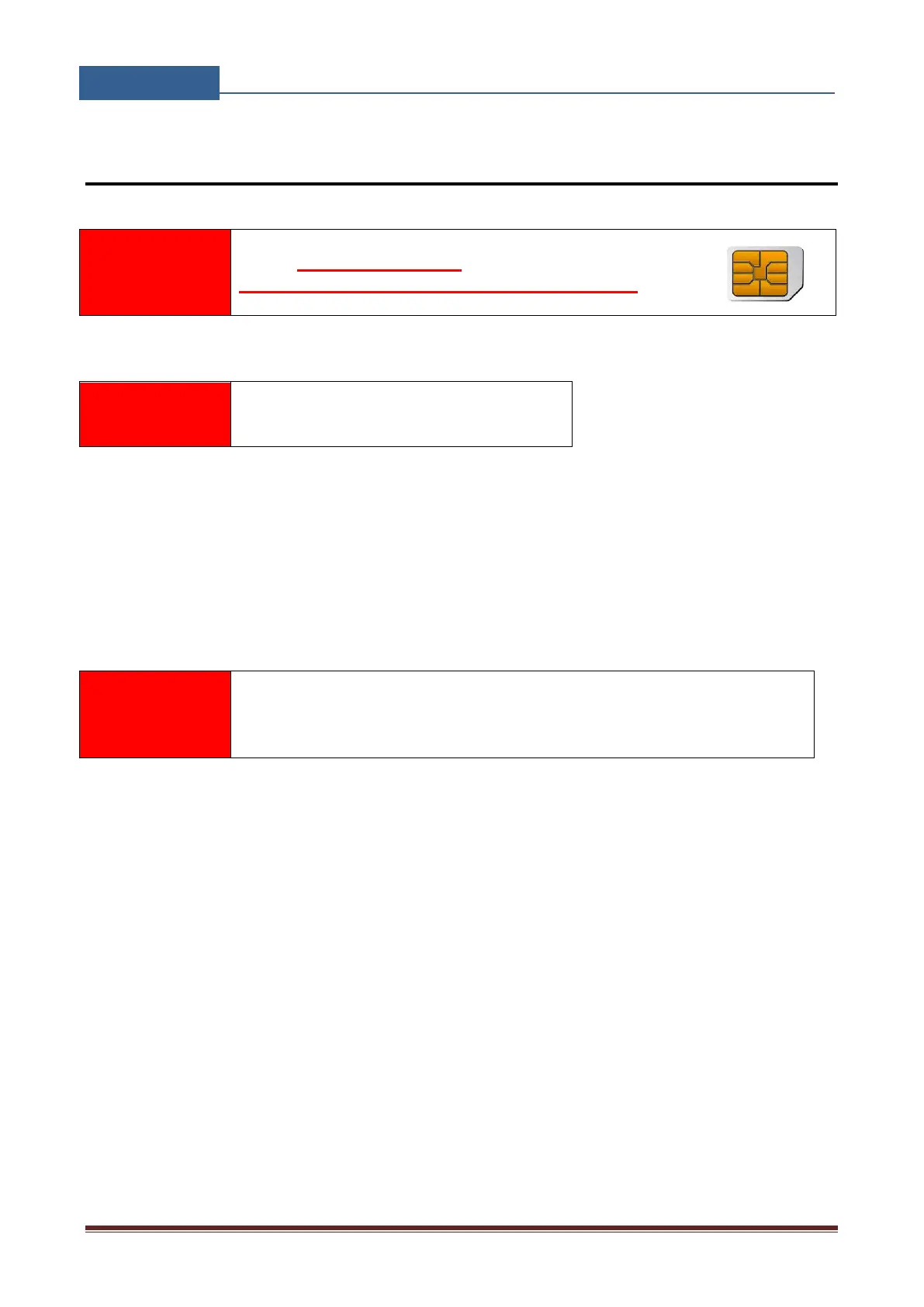
USE A MICRO SIM CARD (micro-SIM, see the picture)
WITH MEMORY FOR UP TO 250 CONTACTS!
Insert SIM card to be used for GSW2 PLUS in your personal mobile phone.
Insert SIM card in GSW2 PLUS device. The unit must be switched OFF when you insert the
SIM!
Connect inputs and outputs to GSW2 PLUS.
Connect the antenna to antenna connector.
Connect power cable to GSW2 PLUS device
Connect device to source power supply voltage.
Wait until LED1 (BLUE) starts flashing. This is set in around 1 minute.
GSW2 PLUS unit is now ready to operate.
Before sending any SMS commands to GSW2 PLUS device, device must
be powered ON and in normal operation!


 To Next Page