Installation & Operation Manual | HORIZON3D
8. System Setup Using the Monitor Application
8.1. Initial Configuration
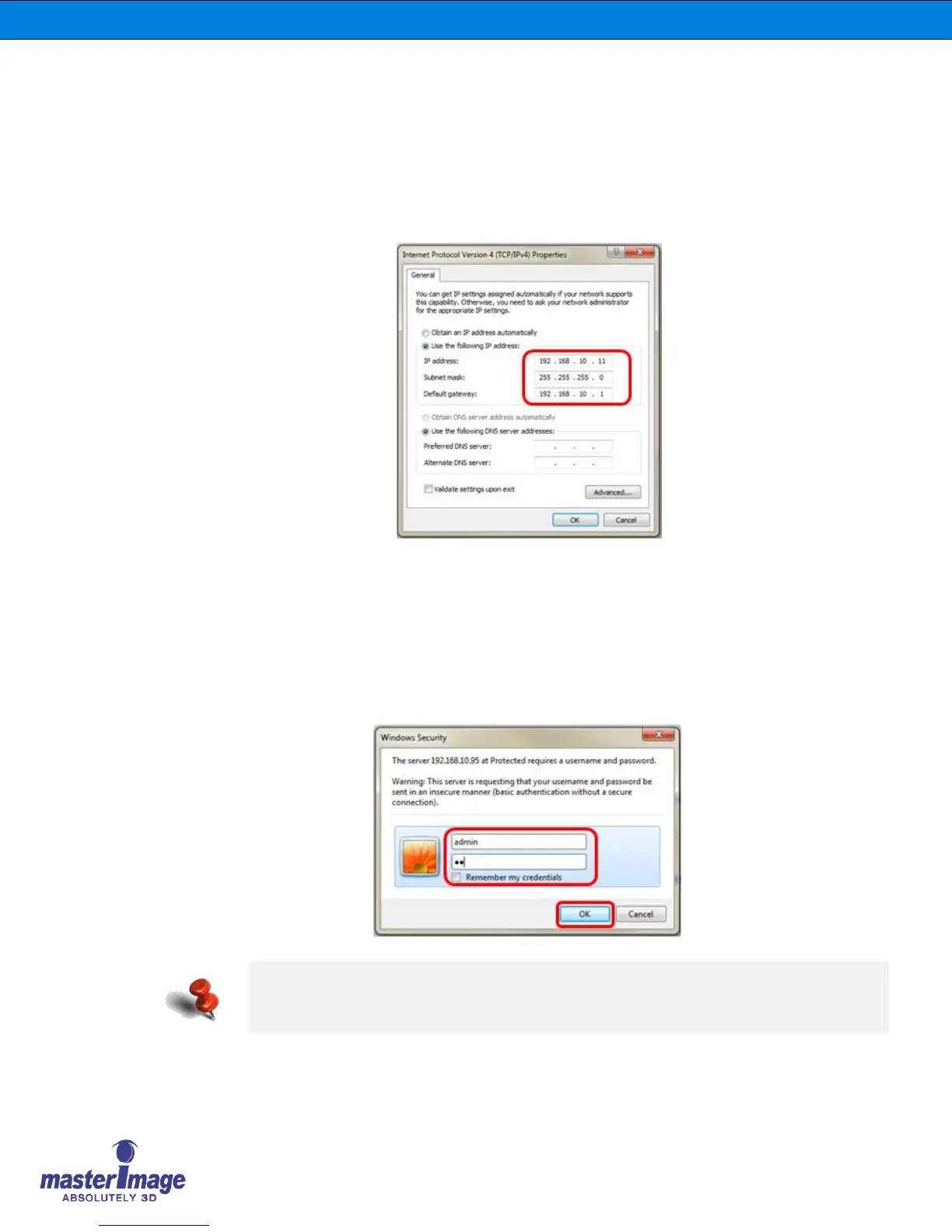
Connect your PC to the HORIZON3D with an Ethernet cable and configure your network
settings with Control Panel of Microsoft Windows.
You can use a different IP address that is suitable to your network
8.2. Execute the Monitor Application using a Web Browser
Input the default IP address of the HORIZON3D (192.168.10.95) into your web browser.
When attempting to connect a security window will be displayed, enter the user ID and
password information and select OK.
Once access is gained the HORIZON3D Web Server will be displayed.
The default user id and password is like as below:
• User ID: “admin”
• Password: “mi”



 To Next Page