Installation & Operation Manual | HORIZON3D
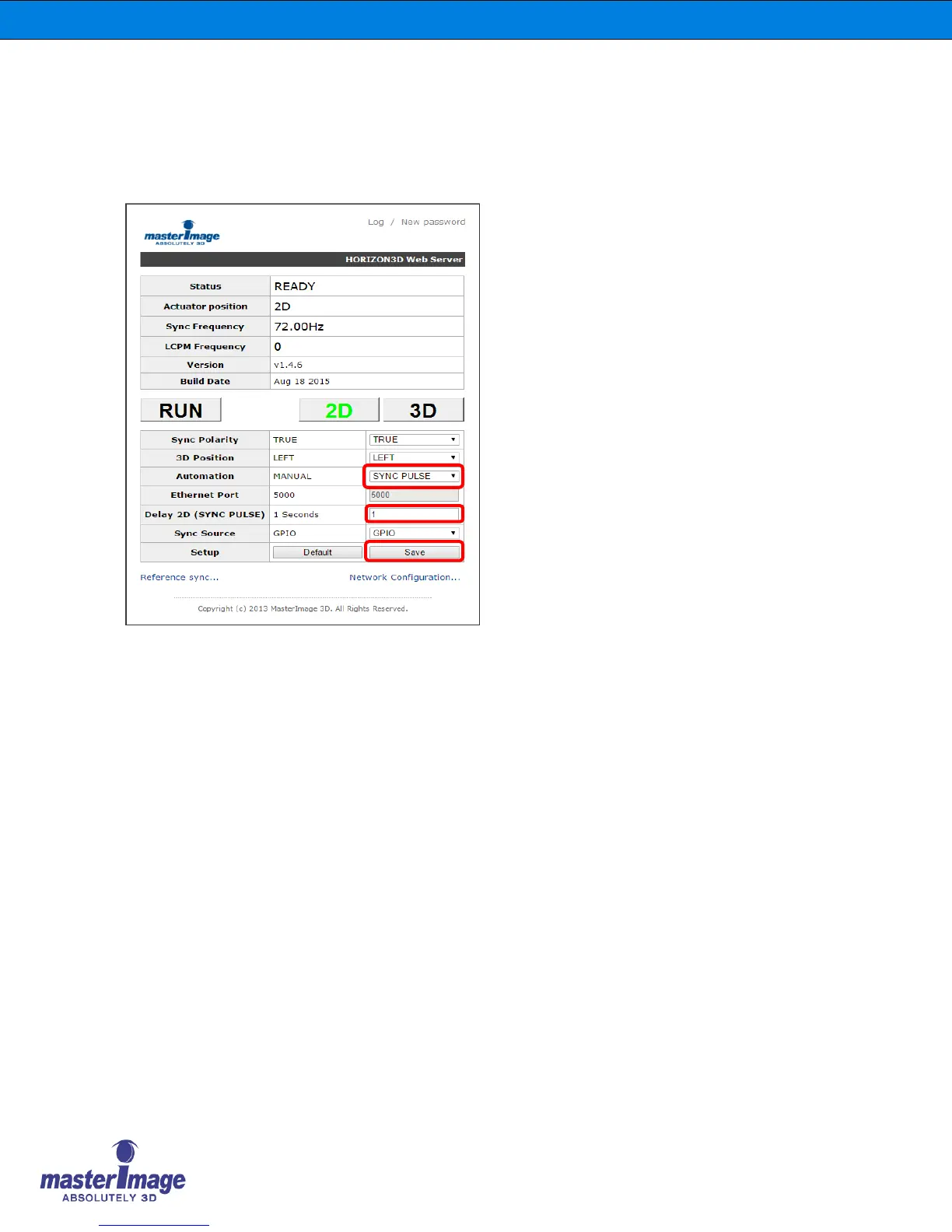
8.9. 2D Delay Time via the Monitor Application
When using the Sync Pulse Automation option with material of varying frequency or frame
rate it may be necessary to apply 2D Delay Time to the system to prevent unwanted 2D
transition.
Enter the required 2D Delay Time for your particular situation i.e. transition from 48fps HFR
3D to 24fps 3D.
Click [Save & Reset] to accept the changes.
The input value range for this option
is between 1 and 30 seconds.



 To Next Page