Installation & Operation Manual | HORIZON3D
8.13. Log File via the Monitor Application
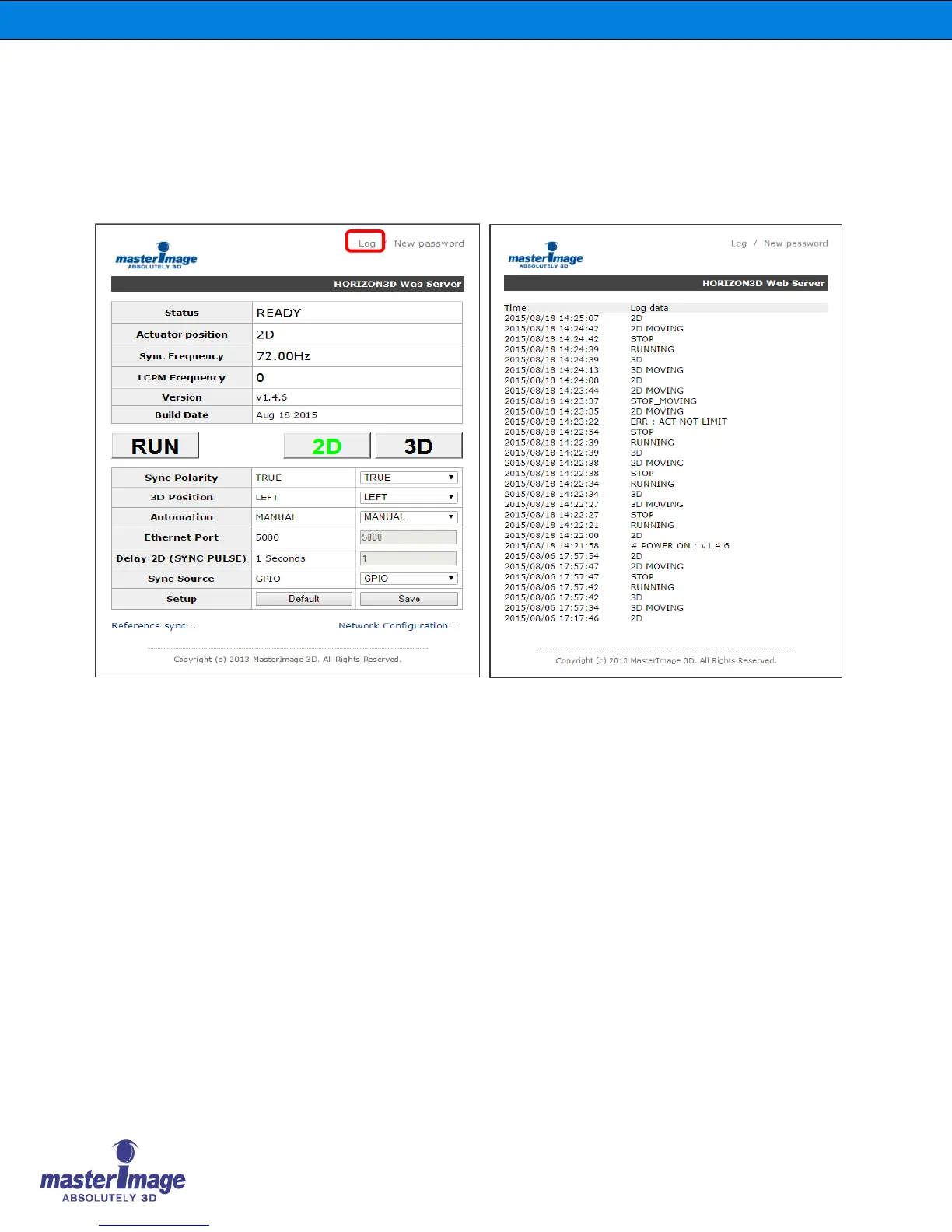
The system contains a log function that stores the last 200 records of activity including any
errors that occurred.
In order to access the log file click [Log] at the top of the Monitor Application.
The Log File will be displayed accordingly. For an explanation of the respective log entries please
refer to the table on the following page.



 To Next Page