5.3. Lift Column Actuator
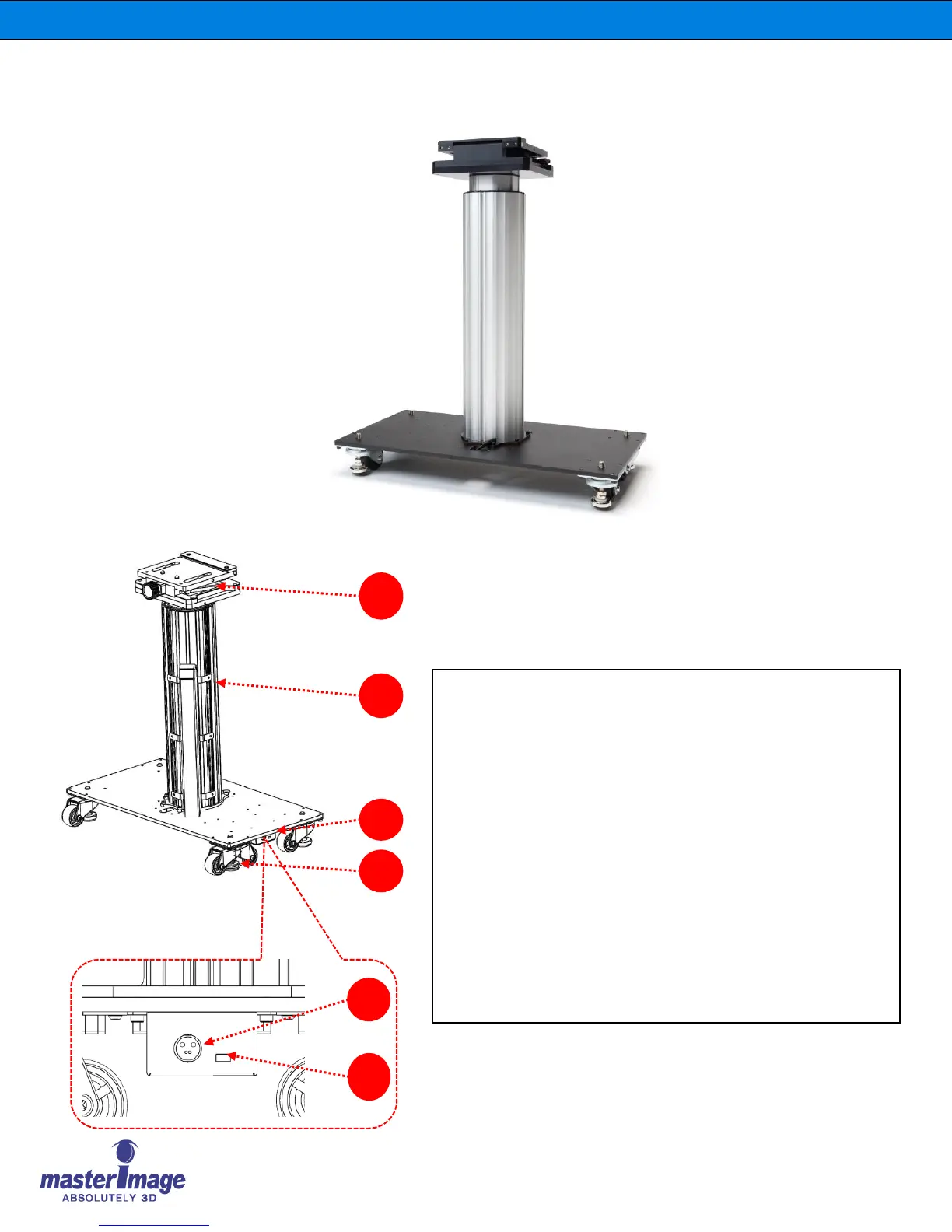
1. Lift Column Component Identification
A. Base Stage (with Tilt Angle Stage): For mounting of the
Optical Head Assembly.
B. Lift Column Actuator: Used to move the Optical head
between 3D position or 2D position.
C. Lift Colum Actuator Control Box
D. Rolling wheels: Used to move the HORIZON3D; wheels are
then locked to secure the unit in place.
E. DC Power Port: DC +24V/5A adaptor.
F. mini USB: Only used to upgrade the firmware of the Lift
Column Actuator Control Box



 To Next Page