Installation & Operation Manual | HORIZON3D
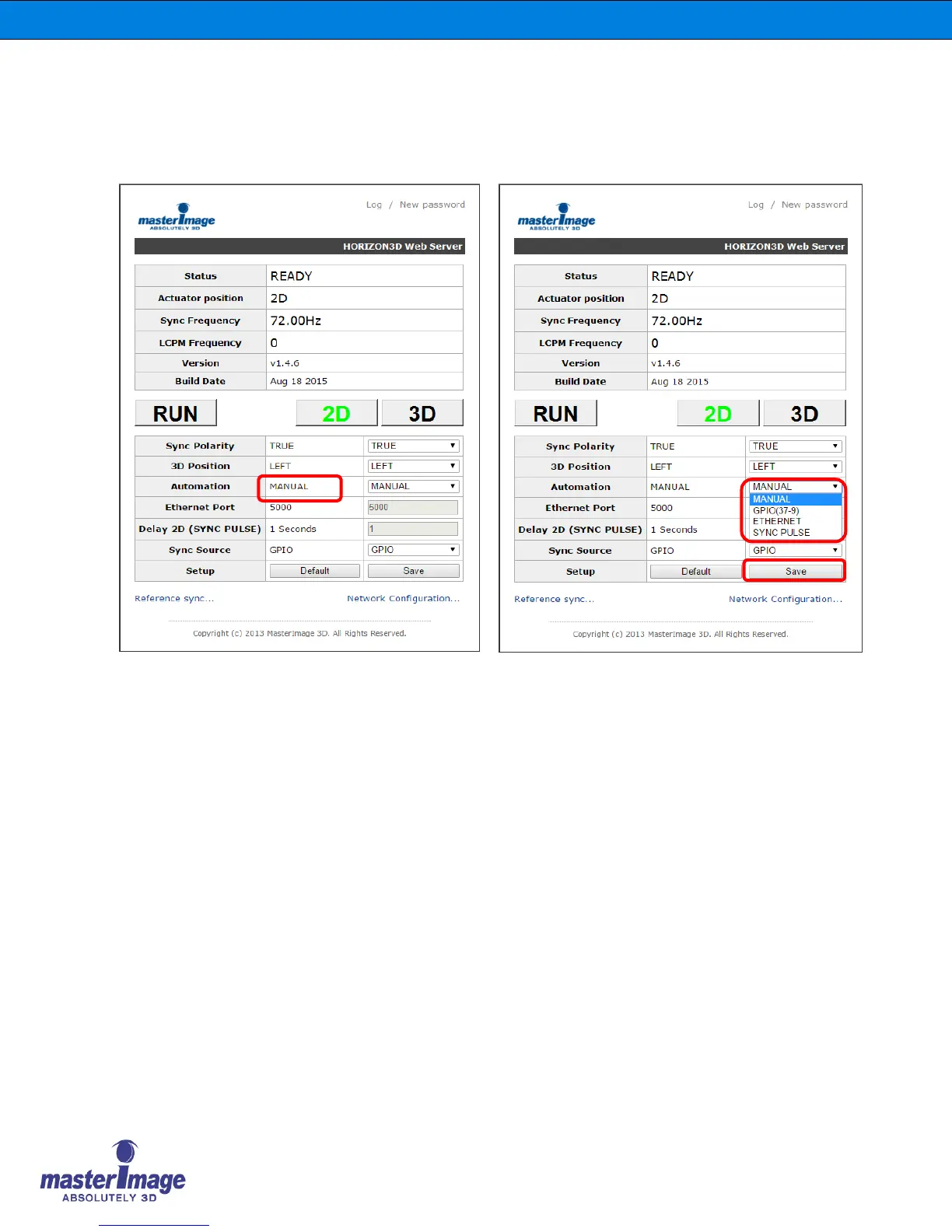
8.7. Automation Source via the Monitor Application
Check the current setting for the Automation Source of the system, by default this is set to
‘Manual’.
The options available for selection are:
Manual – Control via front panel button
GPIO (37-9) – Automation via the 37-pin GPIO cable connection
Ethernet – Automation via server ethernet connection
Sync Pulse – Automation via GPIO/TTL sync pulse detection
Click [Save & Reset] to accept any changes.



 To Next Page