Installation & Operation Manual | HORIZON3D
11.1.3. GDC Server
The steps described below are specific to the GDC SX-2001 server. If information is
required for different models, please contact GDC directly.
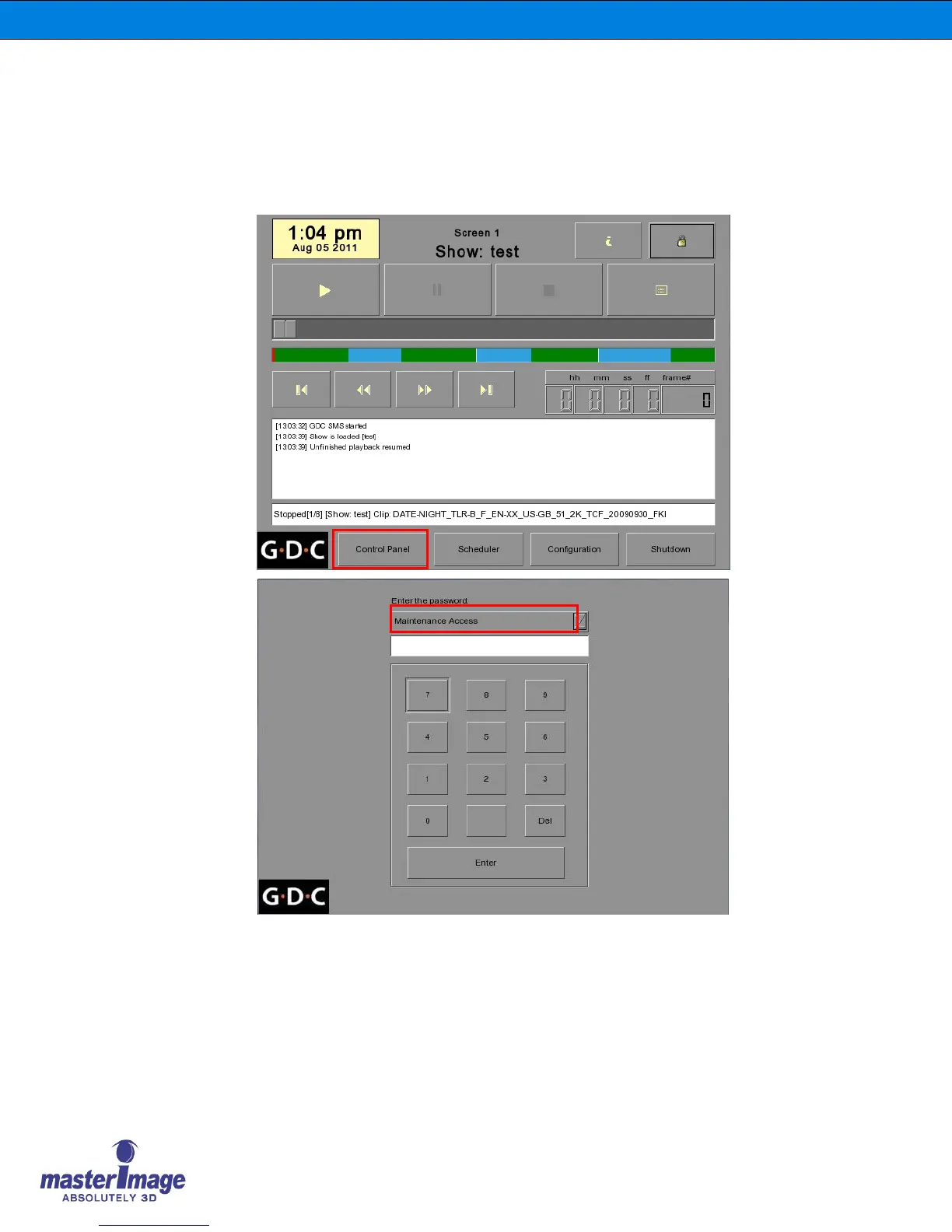
1. In the SMS Main Menu click the Control Panel button and log on as Maintenance
Access.
2. Once you have logged on, click the Automation button found on the General tab.



 To Next Page