Installation & Operation Manual | HORIZON3D
10.4. Lifting Column Firmware Upgrade Procedure
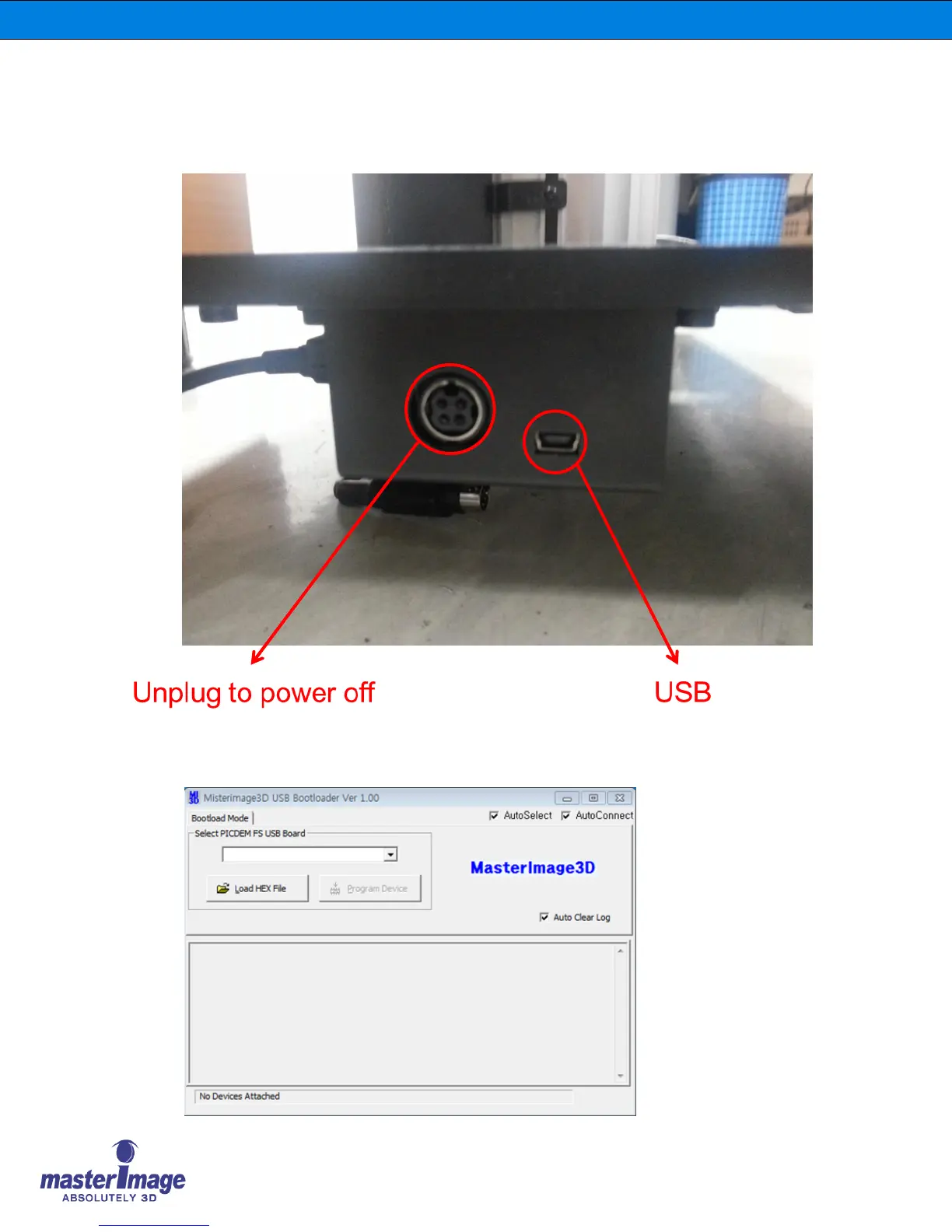
1. Make sure the HORIZON3D system is disconnected from the power supply and connect
the micro-USB cable as indicated in the image below.
2. Having installed the USB_Downloader driver file on your computer, run the ‘MasterImage
3D Bootloader’ program from its folder location.



 To Next Page