Installation & Operation Manual | MI-WAVE3D
6. System Setup
6.1. Installation Options
Before choosing the best method for mounting the actuator in front of the projector,
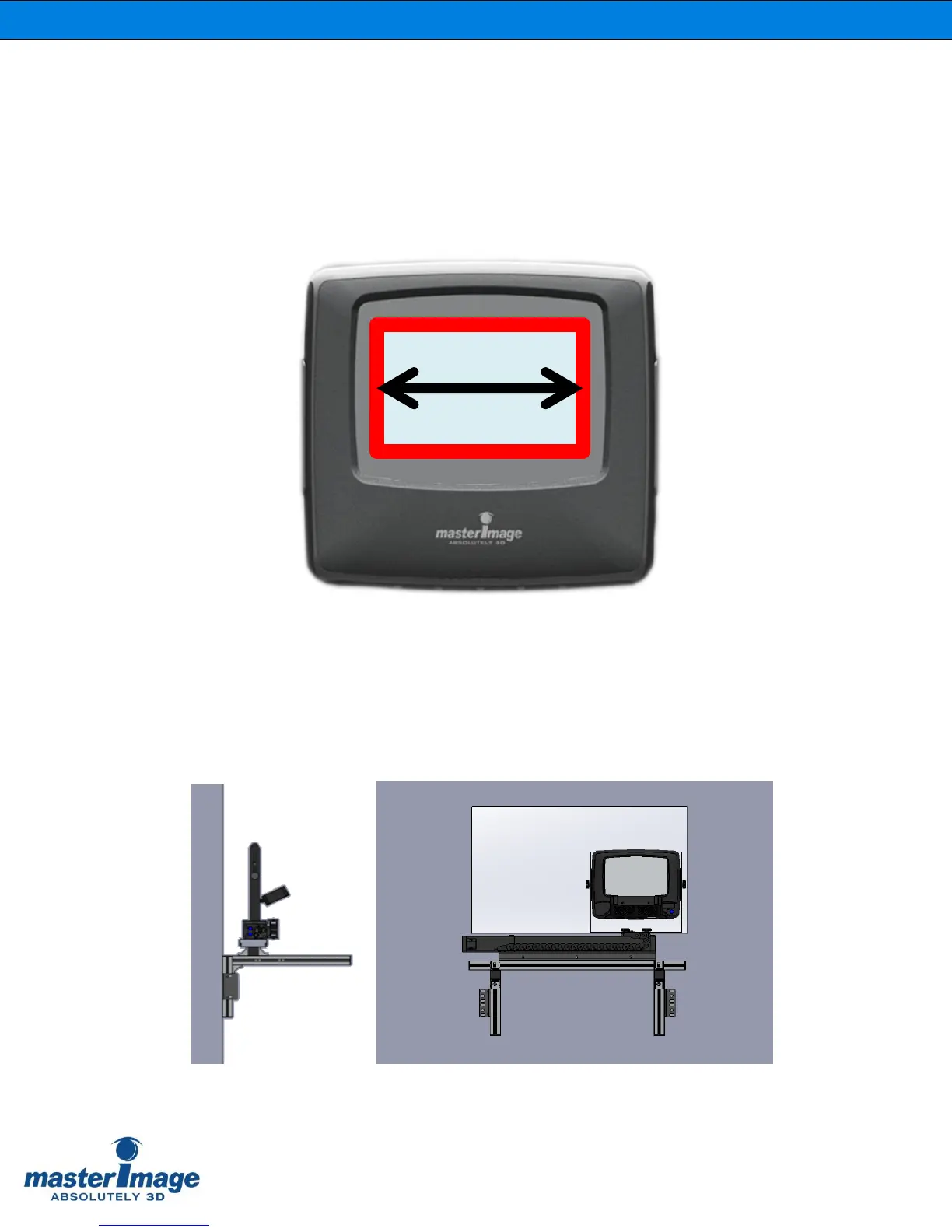
manually hold the LCPM in front of the projection lens so that an image width of
between 155mm and 165mm is visible on the LC panel.
Figure 1. Image Width on LCPM
Decide whether the actuator mounting frame should be fixed to the port wall
(Figure 2) or the projector pedestal (Figure 3).
Figure 2. Port Wall Installation



 To Next Page