Installation & Operation Manual | MI-WAVE3D
2. Warnings and Cautions
2.1. Installation Consideration
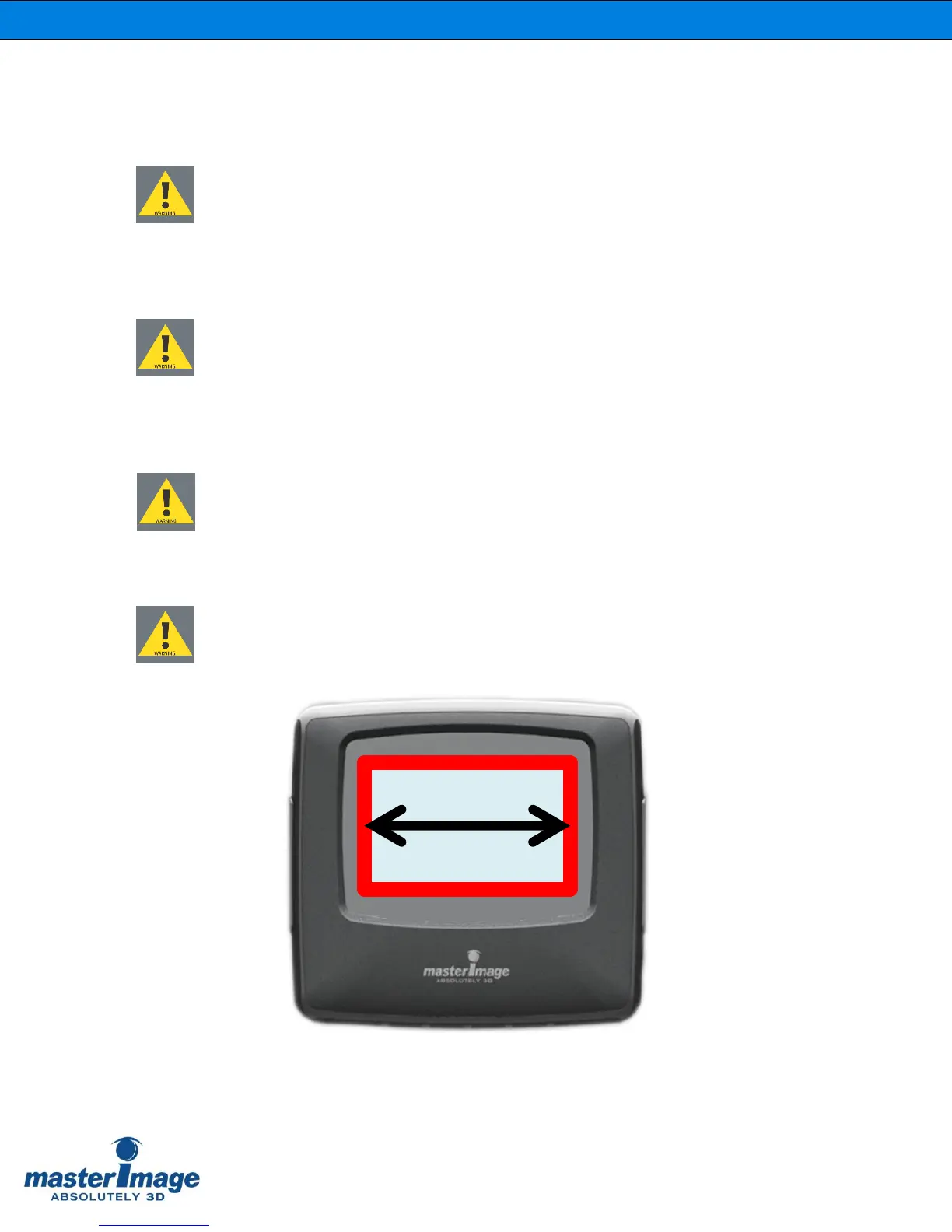
When planning installation of the MI-WAVE3D, ensure that the largest image
possible is projected onto the liquid crystal polarization modulator (LCPM).
The image width should be between 155mm and 165mm and centered on the
LCPM, as shown below.
2.2. Heat Damage
To avoid burning the polarizer film of the LCPM during the installation and setup
procedure, maintain the image size shown below and use lower intensity test
patterns.
2.3. General Electrical Safety
Disconnect the power cord before servicing or opening the control box for any
reason.
2.4. General Handling
Avoid touching the LCPM with bare hands. Handle the assembly by the frame only.
Image Width on LCPM



 To Next Page