Installation & Operation Manual | MI-WAVE3D
7. Basic System Operation
7.1. System Ready – Standby Condition
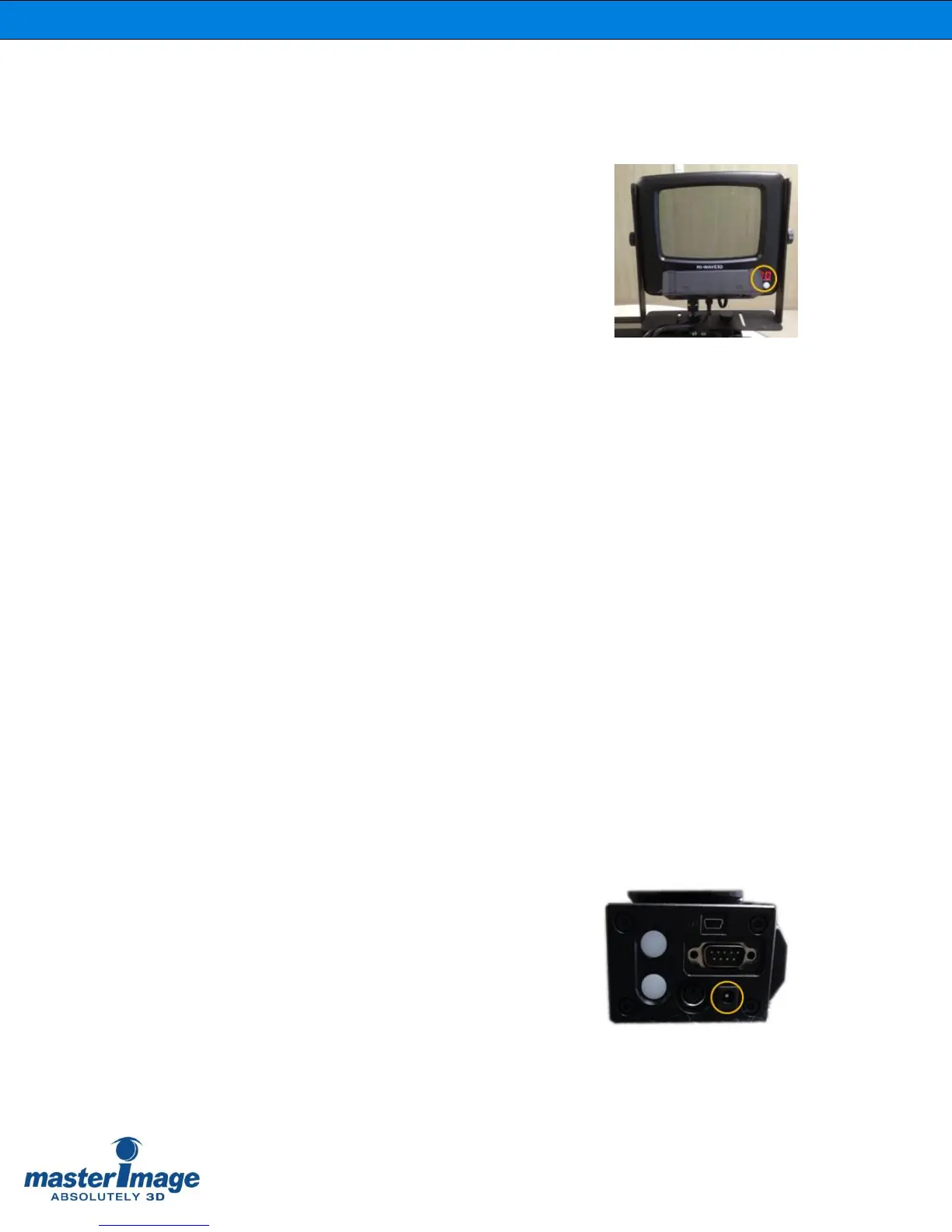
When the system DC power supply is connected to
power the ‘00’ of the LCPM LED display indicates
‘Ready’ status.
If the system is already connected to an active GPIO
signal the incoming frequency will be displayed.
(Figure 18).
7.2. System Running
To operate the LCPM, press and hold the RUN button for 1 second and release.
The RUN button LED blinks during system stabilization with the GPIO or TTL sync signal.
The cooling fans will also be operational.
Once stabilization is complete the RUN button LED will be solid and the sync frequency
displayed.
7.3. System Stopping
To stop operation of the LCPM, press and hold the RUN button for 1 second and release.
The RUN button LED will be off.
The cooling fans will stop operation.
The LED display will either display ‘00’ or the sync frequency if it is still being input.
7.4. System Power Off
To power off the system disconnect the DC
power cable from the actuator or remove the
plug from the mains wall socket.
(Figure 19).



 To Next Page