Installation & Operation Manual | MI-WAVE3D
6.4. Initial Test
6.4.1. System Power
Connect the mains cable from the
DC power supply to a power
outlet.
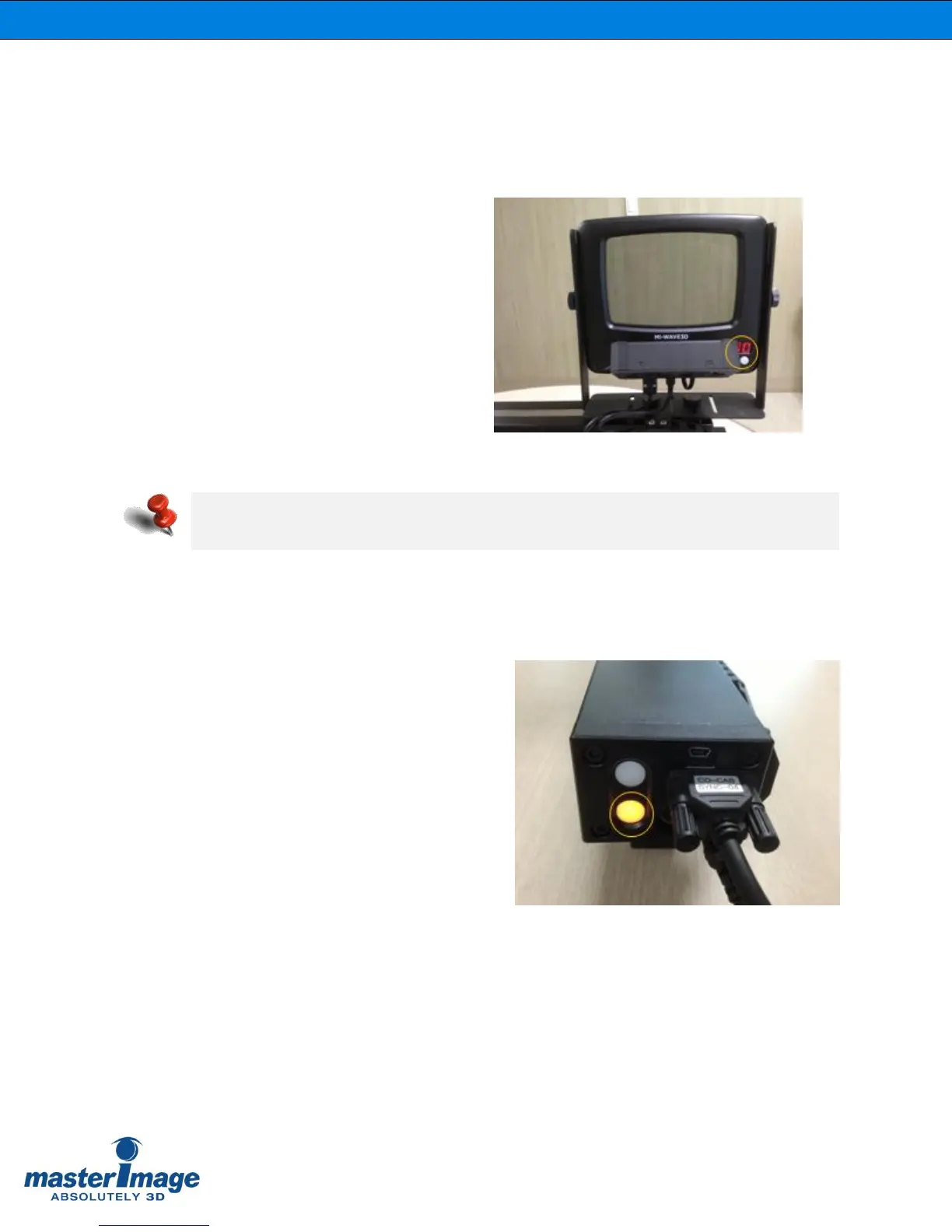
The LCD display panel in the
bottom right corner of the LCPM
indicates ‘00’, this shows that the
system is in a READY state
(Figure 15).
6.4.2. Test Actuator Operation – 3D Position
Press and hold the Actuator 3D button for 1
second and release.
The Actuator will transition to the 3D
position with the 3D button LED flashing,
and the cooling fans will operate.
Once in the 3D position the 3D button LED
will be lit solid.
(Figure 16).
Figure 16. 3D Position and Button LED
Indication
Figure 15. Power On and Display Indication
If the actuator is in the 3D position at the point of power connection it will automatically
return to the 2D position.



 To Next Page