Installation & Operation Manual | MI-WAVE3D
6.3. Initial Actuator/LCPM Assembly
6.3.1. Attach Cooling Fan Assembly to LCPM
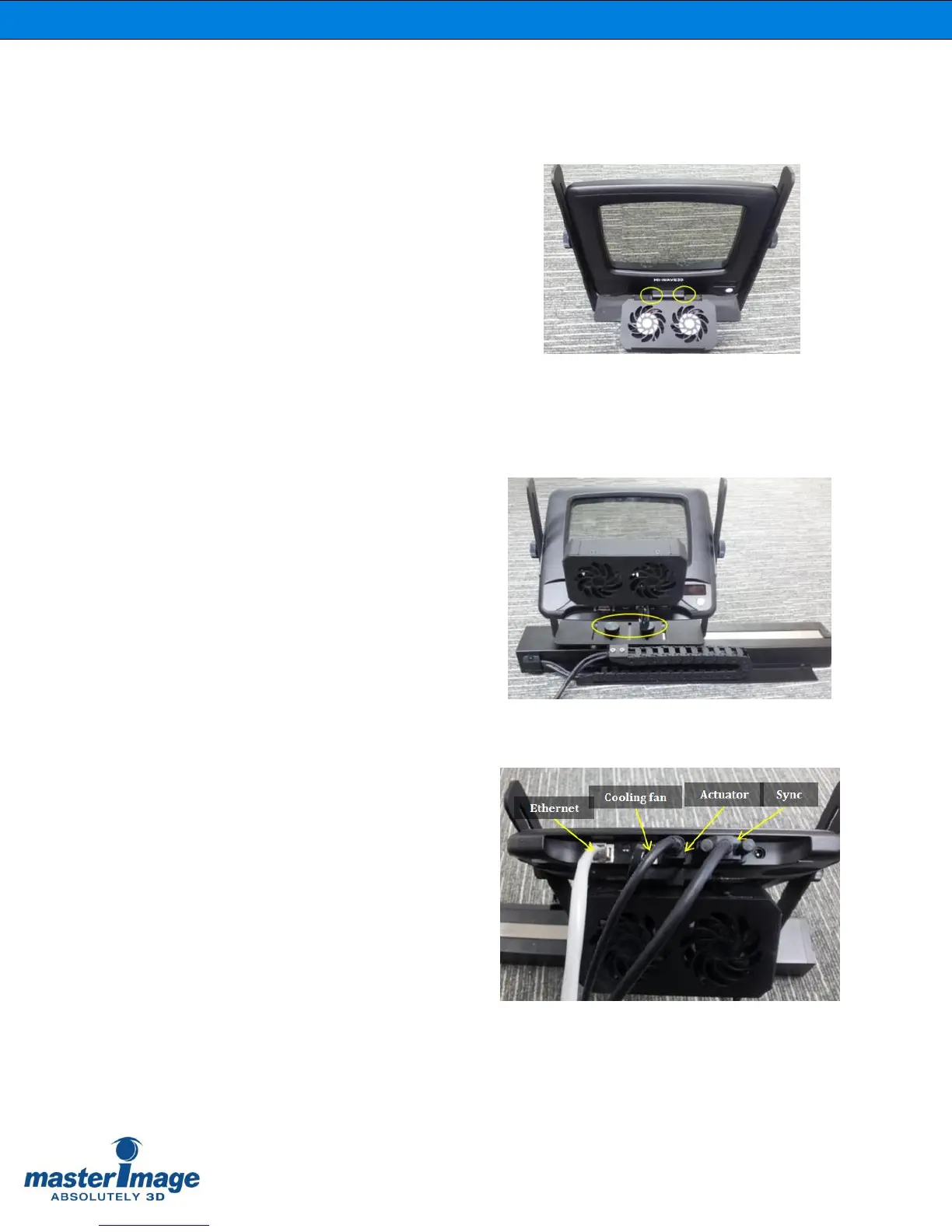
Attach the cooling fan assembly to the
LCPM Frame with two supplied screws.
(Figure 6).
6.3.2. Attach LCPM Frame to Actuator
1. Attach the LCPM frame to the top side
of the actuator assembly with the 2
supplied thumb screws (Figure 7).
Figure 7. LCPM Frame Mounting
2. Make cable connections to the LCPM:
Connect the LCPM cable
Connect the Fan cable
Connect the Sync cable
Connect the Ethernet cable
(Figure 8).
Figure 8. Cable Connection



 To Next Page