EasyManua.ls Logo

Master Image MI-WAVE3D - Page 40

Master Image MI-WAVE3D
70 pages
Print Icon
To Next Page IconTo Next Page
To Previous Page IconTo Previous Page
Loading...
Installation & Operation Manual | MI-WAVE3D
© MASTERIMAGE 3D, Inc.
40
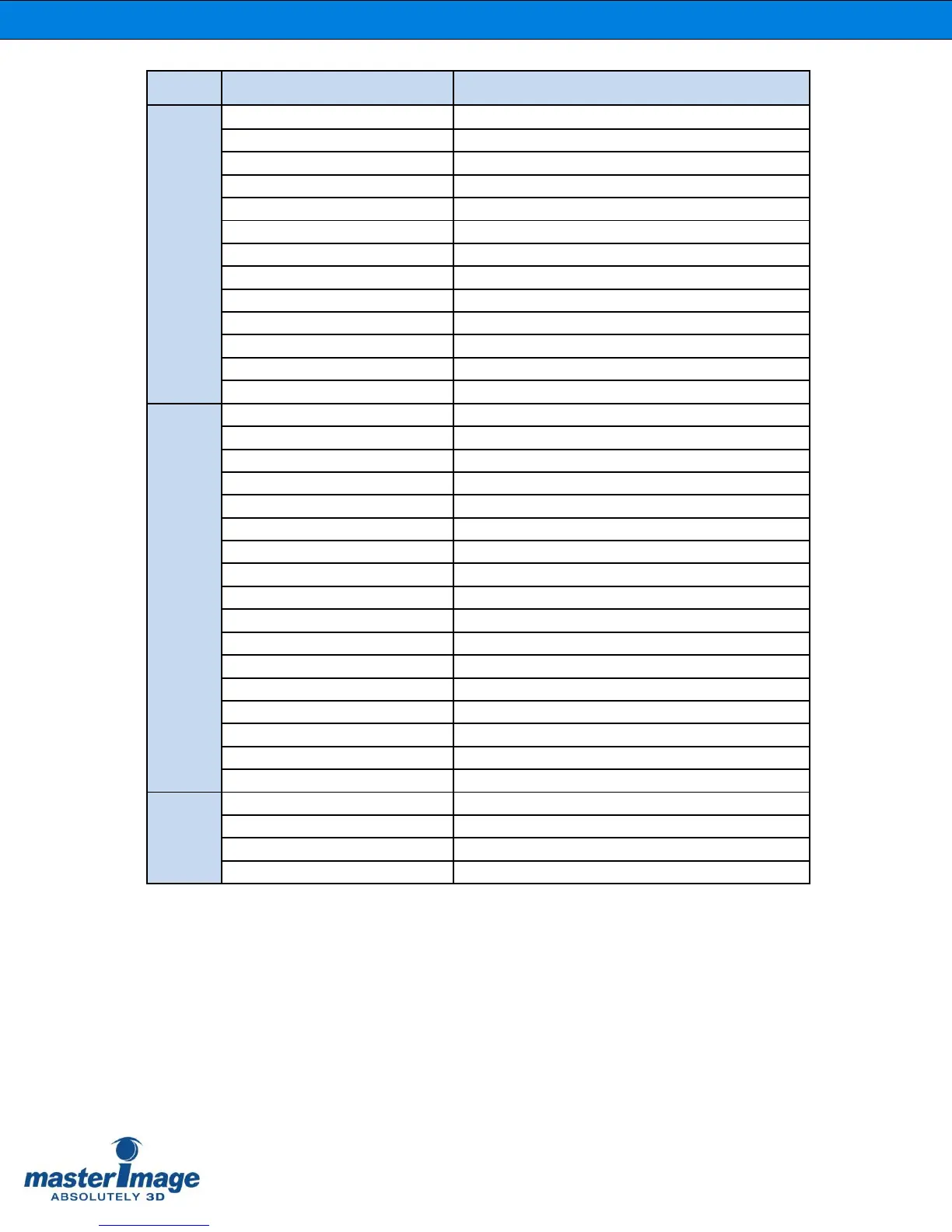
LOG
Description
Status
# POWER ON : v1.0.0
Power On : Firmware Version Number
RUNNING
RUNNING
STOP
STOP
2D
Current Position : 2D
2D MOVING
Actuator Moving to 2D Position
3D
Current Position : 3D
3D MOVING
Actuator Moving to 3D Position
STOP MOVING
Actuator Stop
FREQ : 72.0Hz
Sync Change
SYNC PULSE : 3D
SYNC PULSE Input [2D/3D]
GPIO 15-9 : 3D
GPIO 15-9 Input [2D/3D]
GPIO 37-9 : 3D
GPIO 37-9 Input [2D/3D/RUN]
AUTO COMMAND : RUN
AUTOMATION COMMAND [2D/3D/RUN/STOP]
Setting
3D POSITION : LEFT
ACTUATOR 3D Position Setting
SYNC SOURCE : GPIO
Sync Source Setting
AUTOMATION : GPIO(37-9)
Automation Source Setting
REFERENCE(1) : 72Hz
Reference Sync Frequency Setting
REFERENCE(1) : 72Hz ON
Reference Sync Frequency Enabled
REFERENCE(1) : 72Hz OFF
Reference Sync Frequency Disabled
POLARITY : TRUE
Sync Polarity Setting
PASSWORD : CHANGED
Password Changed
IP : 192.168.10.95
Ethernet IP Setting
GW : 192.168.10.1
Ethernet Gateway Setting
MASK : 255.255.255.0
Ethernet Subnet Mask Setting
FACTORY RESET
Factory Reset
DELAY 2D : 5
Delay 2D Time Setting
HOST NAME : MI-WAVE3D
SYSTEM NAME Setting
MAC : 00-00-00-00-00-00
MAC-ADDRESS Setting
POLARITY(SW) : TRUE
POLARITY Mode Switch Setting
3D POSITION(SW) : LEFT
3D POSITION Mode Switch Setting
Error
ERR : ACT NOT DETECT
No Connection with the Actuator
ERR : ACT NOT LIMIT
No Movement of the Actuator Normally
ERR : ACT FAULT
Malfunction Status of the Actuator
ERR : FAN ERROR
No Operation of the Cooling Fan

Table of Contents