Installation & Operation Manual | MI-WAVE3D
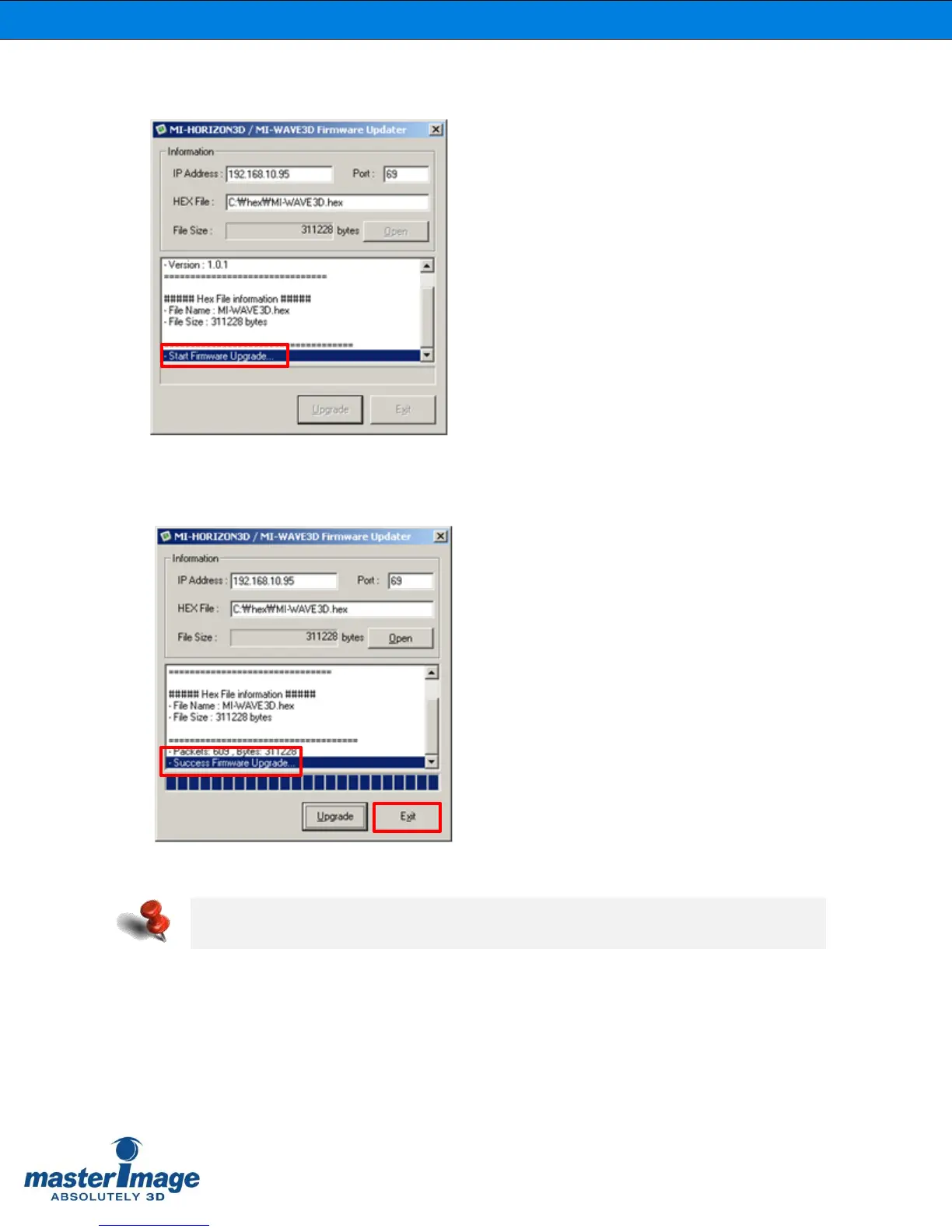
7. You will see the “Start Firmware Upgrade” message in the utility after pressing
the [Upgrade] button.
8. You will see the “Success Firmware Upgrade” message in the utility after the
progress bar reaches the end.
Click the [Exit] button to close the utility after successful upgrade.
Note: Should the upgrade procedure fail for any reason, disconnect the power from
the system for 10 seconds, reconnect and attempt the procedure again.



 To Next Page