Installation & Operation Manual | MI-WAVE3D
<Cue name="Start 3D">
<Actions>
<InvokeMethod name="Start" device="MasterImage"/>
</Actions>
</Cue>
<Cue name="Stop 3D">
<Actions>
<InvokeMethod name="Stop" device="MasterImage"/>
</Actions>
</Cue>
<Cue name="3D Position">
<Actions>
<InvokeMethod name="3Dposition" device="MasterImage"/>
</Actions>
</Cue>
<Cue name="2D Position">
<Actions>
<InvokeMethod name="2Dposition" device="MasterImage"/>
</Actions>
</Cue>
<Cue name="Up/Down Stop">
<Actions>
<InvokeMethod name="PFDStop" device="MasterImage"/>
</Actions>
</Cue>
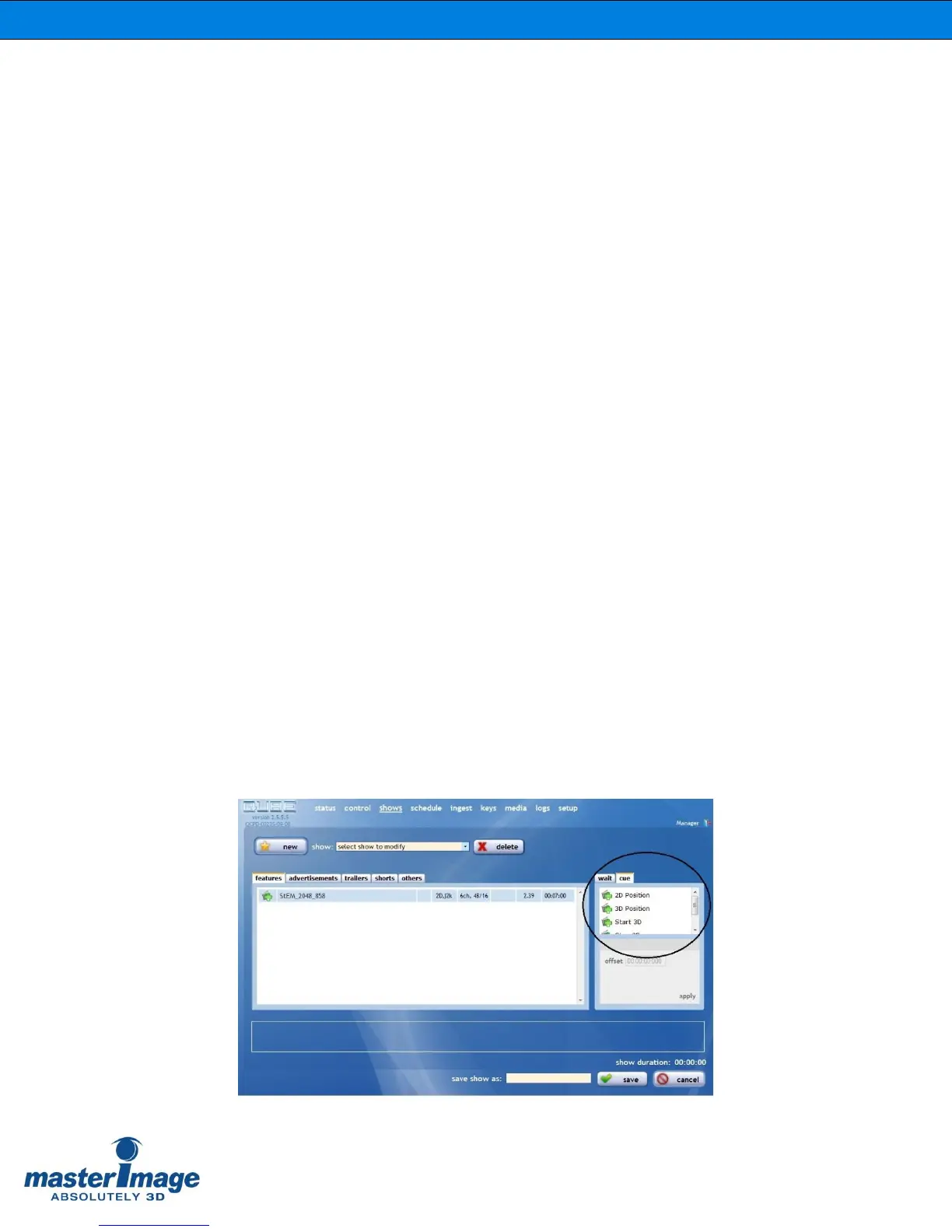
Once this file has been edited and saved the graphical interface of the Qube server
will display the new cues that can be selected for future playlist creation.



 To Next Page