Installation & Operation Manual | MI-WAVE3D
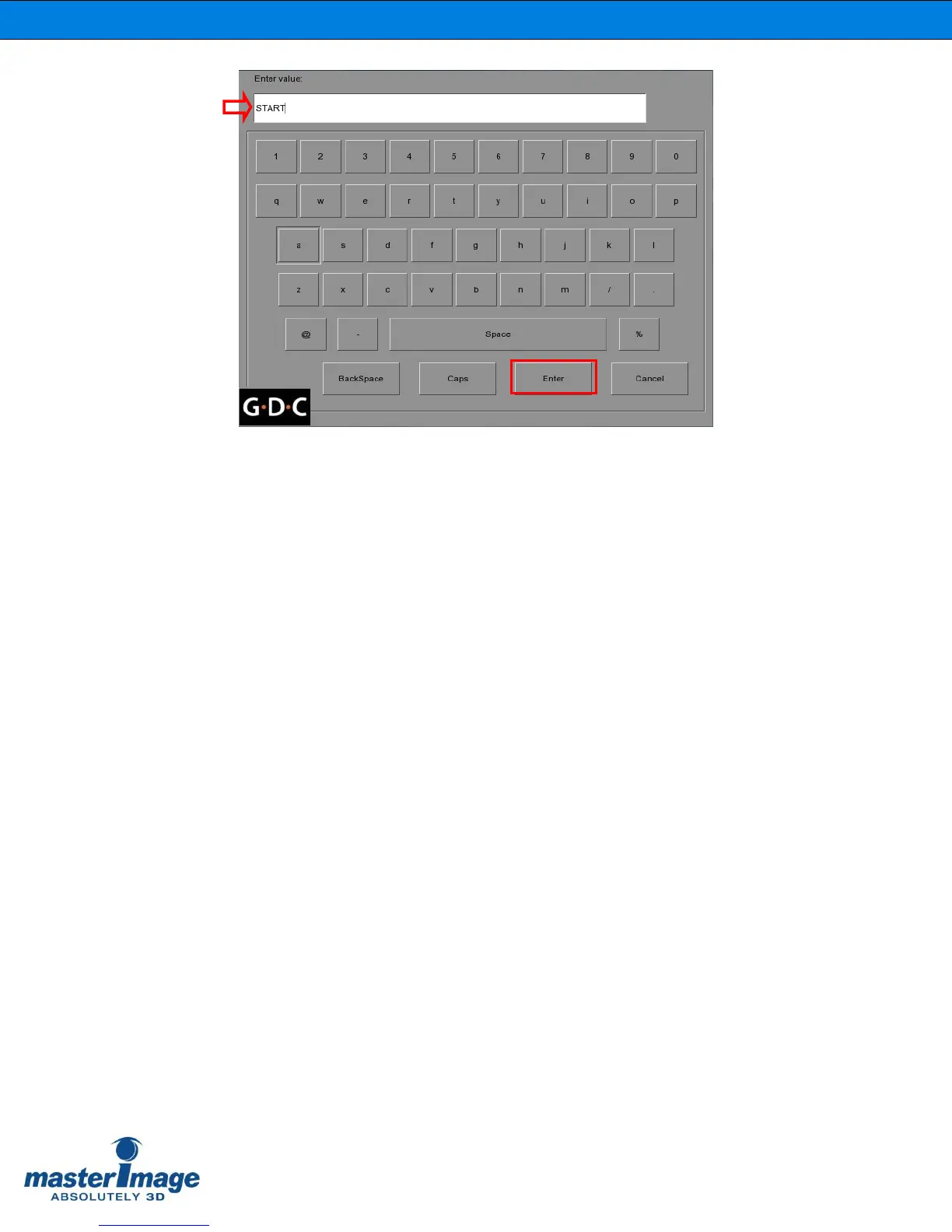
11. Click the Enter button to save this change, then go back and make entries for the
remaining four macros that are required.
Event Name STOP Enter Value STOP
Event Name 2D POSITION Enter Value PFD DOWN
Event Name 3D POSITION Enter Value PFD UP
Event Name UP/DOWN STOP Enter Value PFD STOP
12. Once all macros have been created, return to the Actions tab of the Automation
screen to create the events that are needed to communicate. This is done by
clicking the Add button.
13. For each event, choose the device that was defined in the first step,
MasterImage, and then select the required event action from the dropdown list,
for example: Start.
14. Follow the same steps to create the rest of the event actions for Stop, 3D
Position, 2D Position and Up/Down Stop.



 To Next Page