5 Installing the software and configuring the printer
The XPS driver can be accessed via the link here: https://www.maticagroup.com/products/mc320x/ or
stated on the quick start guide. The link will provide you with the following downloads:
• Windows 7, 8,8.1,10,11 (32 and 64 bit), Server 2016, 2019, 2022 printer driver for USB, Ethernet
LAN and Wireless connections (if supported by the purchased model)
• PDF User Guide
• Driver Installer (XPS DRIVER)
5.1 Connecting the printer to the computer and installing the software
5.1.1 Printer connection through USB
1) Download/ save a copy of MC320x driver software onto your PC/Laptop.
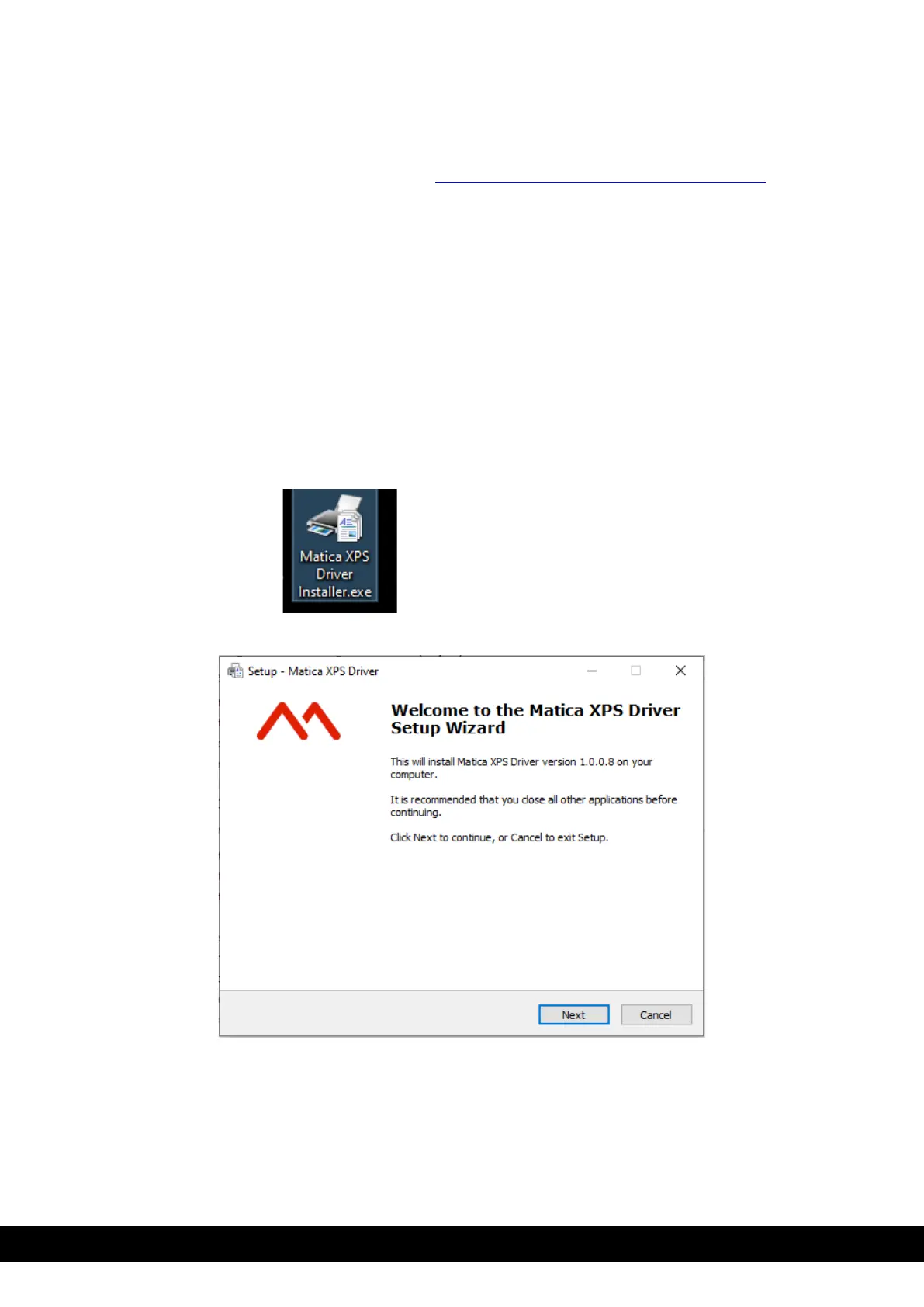
2) Double click on the Matica XPS driver installer.exe application to setup the wizard.
3) Click ´Next´.



 To Next Page