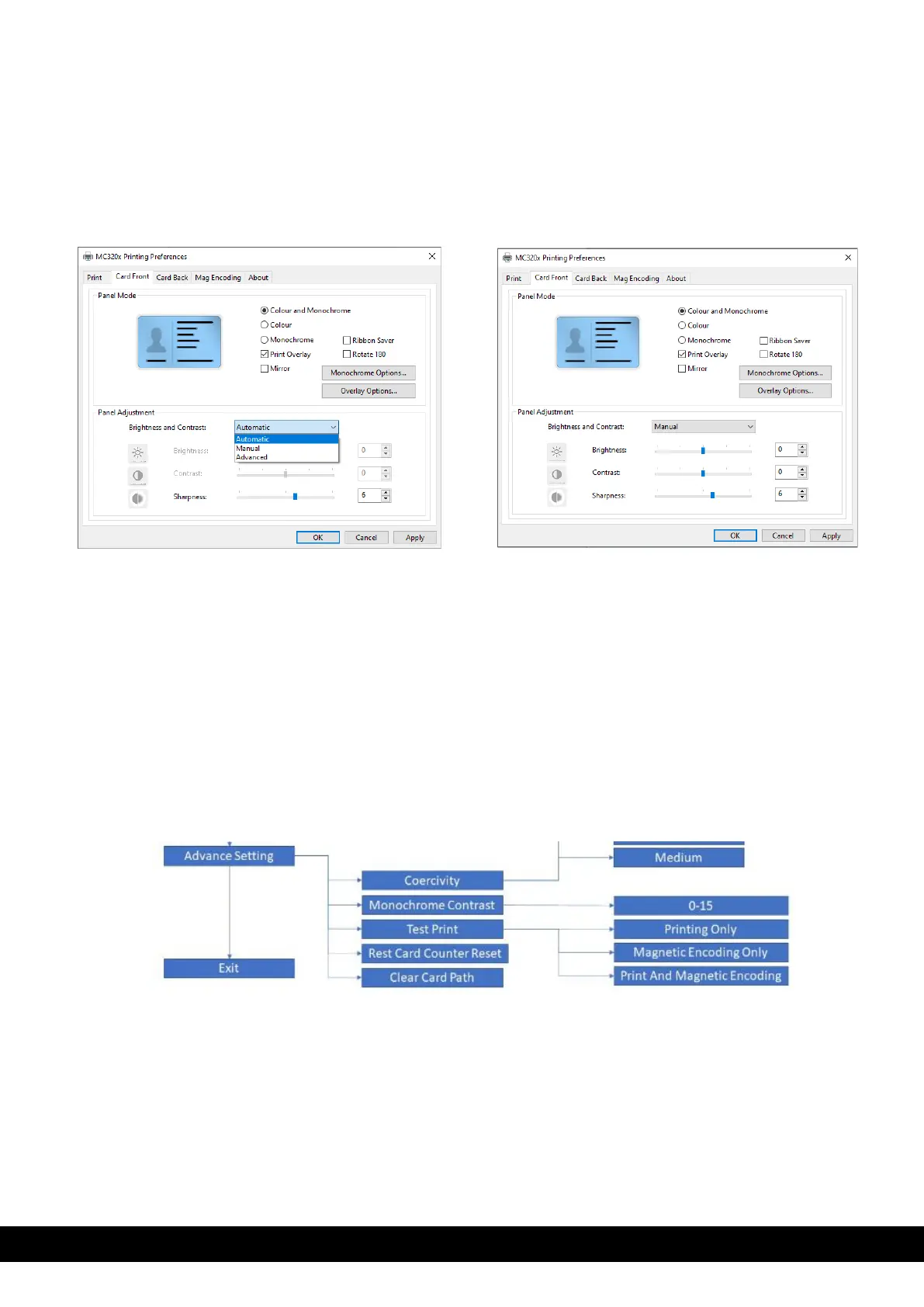
6.2 Color settings
By default, the brightness and contrast setting is set to ’Automatic’.
To customize color printing, Click Printer Properties → Card front/card back → Panel adjustment →
Brightness and Contrast → Manual → Adjust the brightness, contrast and sharpness based on
requirement → Click apply → Click OK.
6.3 Printing test cards
Test cards are used to check that the printer is operating correctly and to obtain important printing
parameters.
Printing a test card using the LCD Display menu,
• Using the menu/scroll button, scroll to the ‘Advanced’ setting.
• Scroll to ‘Test Print’
• Press the selection button to print the test card



 To Next Page