9 Trouble shooting
9.1 Printer does not power on
9.2 Unable to print
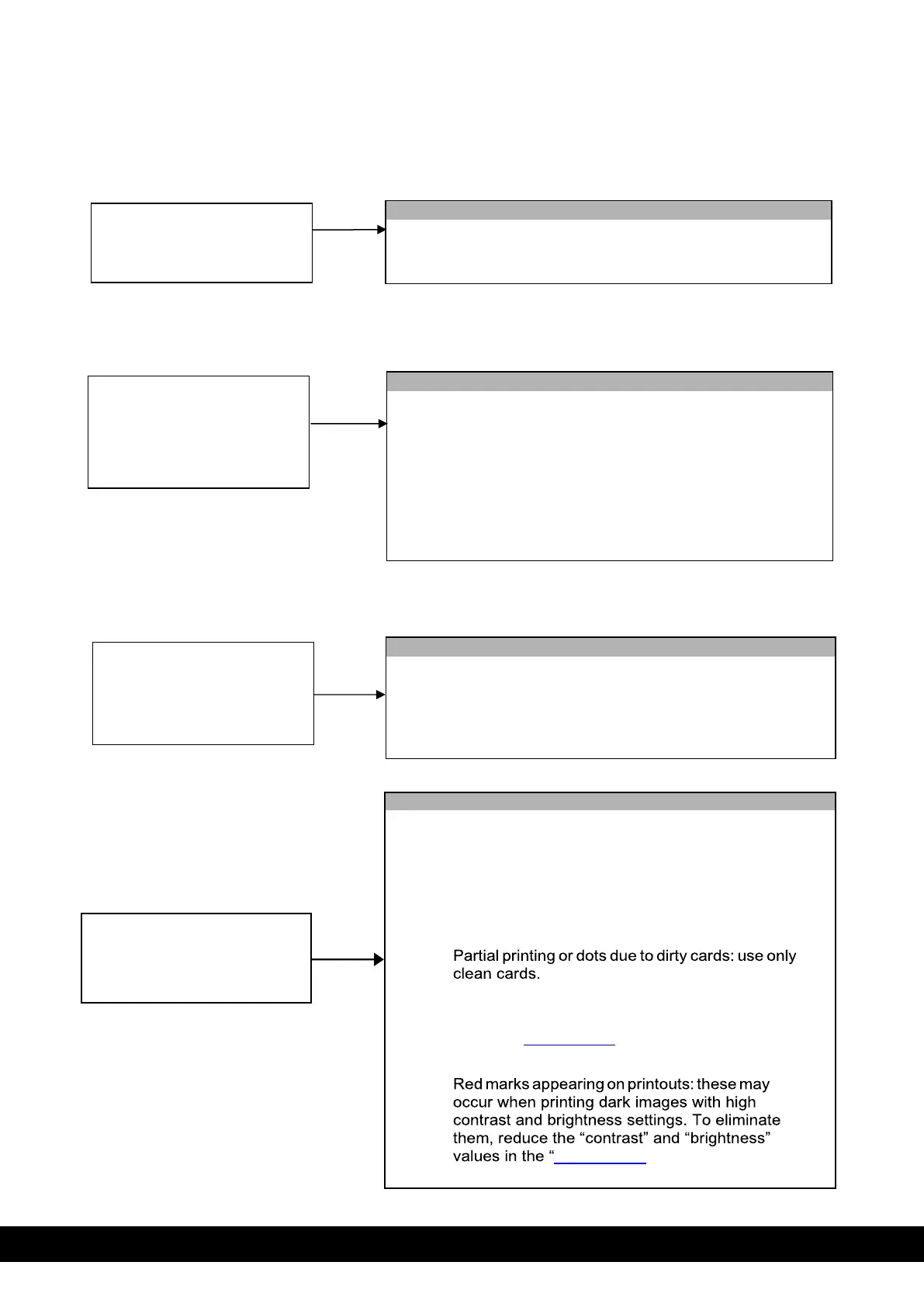
Disconnect and reconnect again the power cables making sure
that an electricity supply is present.
Printer does not power on
Printer does not start
printing (no movement)
• Make sure that a MC320x printer appears in “Devices
and Printers” and that it is active (icon appears in dark
grey).
• Make sure that card is present in the input hopper.
• Make sure that the ribbon is loaded and that the top
cover is fully closed.
Executes movements but
card is not printed
(blank card)
• Make sure that the ribbon cartridge is inserted correctly.
• The identifier of the ribbon has been damaged and as a
result cannot be used by the machine: change the
ribbon.
• Single or Multiple horizontal lines: clean the
printhead using a swab or pen as described in the
User Manual.
• Dots appear on printout due to dirty cleaning
roller: clean with water as described in the User
Manual.
•
• If printout colors or appearance are not satisfactory,
modify the Brightness, Contrast and Sharpness
values in “color settings” on the “Properties”
window and check printout improvement.
•
color settings”.



 To Next Page