8.5 Duplex activation
The duplex activation is an optional module for the MC320x series printer that allows the user to print on
both sides of the cards.
The following module is available:
• MC310 duplex activation kit
It will enable the printer to print dual sided Code PR10300016
To enable the dual sided printing please follow the below instructions,
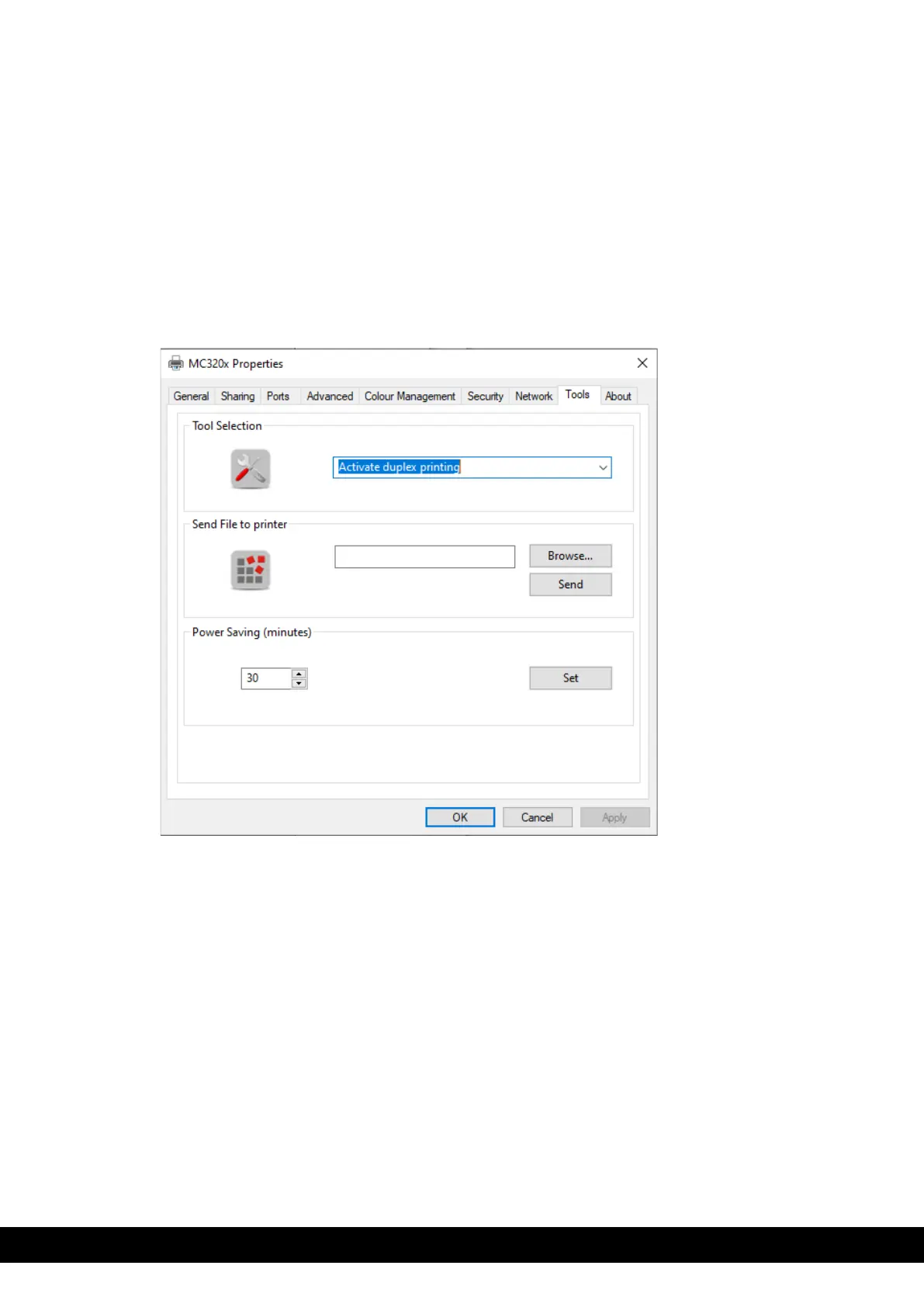
1. Go to Printer properties → Tools → select Activate Duplex printing from drop down menu→ Click
ok to proceed to the duplex activation wizard window.
Once activated, switch the printer OFF & ON and test with a double sided print job.



 To Next Page