5.1.2 Printer connection through LAN/ethernet
The printer can be connected to a network via LAN or ethernet using 2 types of connection
a) DCP
b) Static IP
5.1.3 DCP
If the printer is already installed through USB connection, disconnect the USB connection and Switch OFF the
printer.
1) Download/ save a copy of MC320x driver installer software onto your PC/laptop.
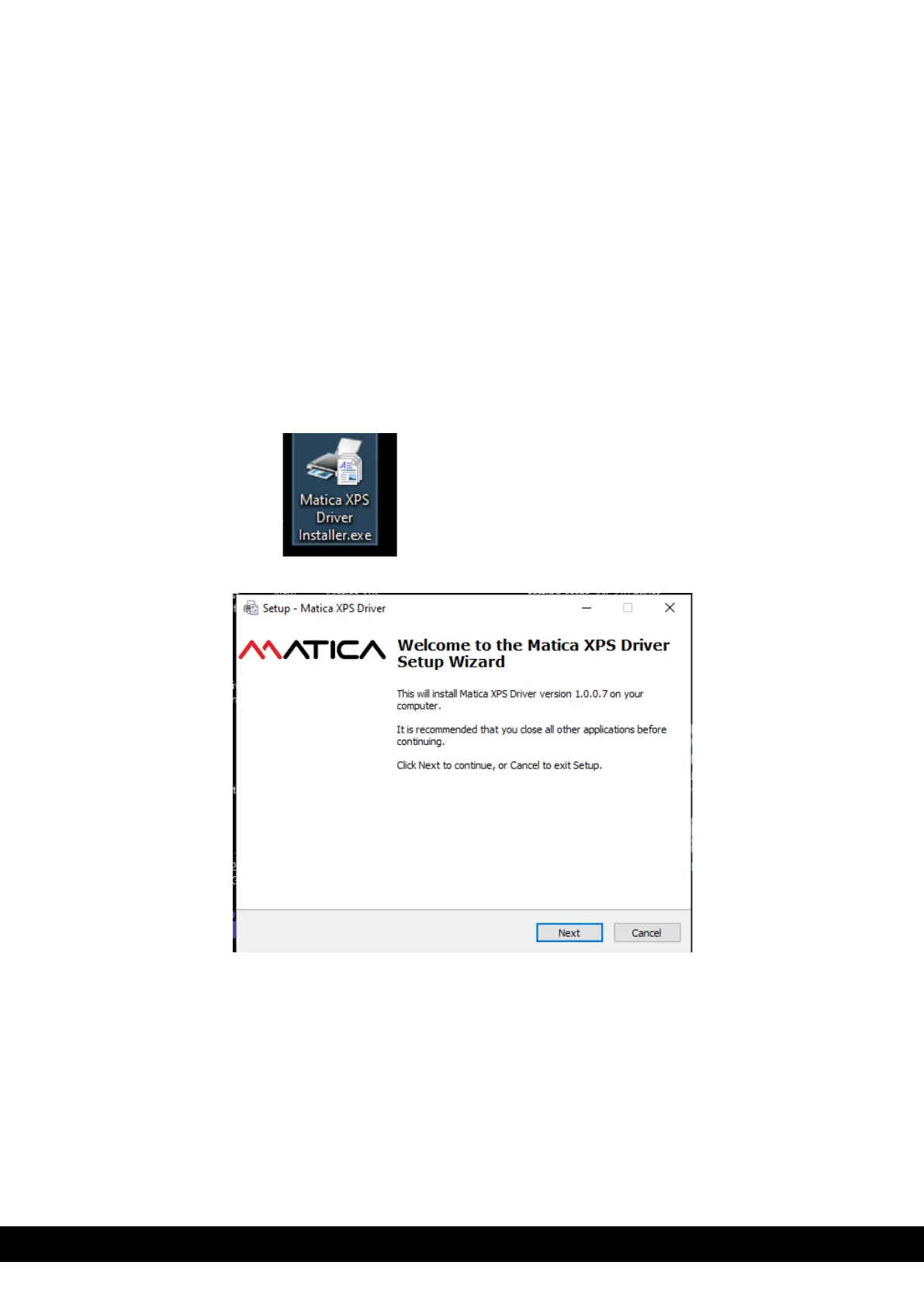
2) Double click on the Matica XPS driver installer application to setup the Wizard.
3) Follow the steps in the wizard displayed.



 To Next Page