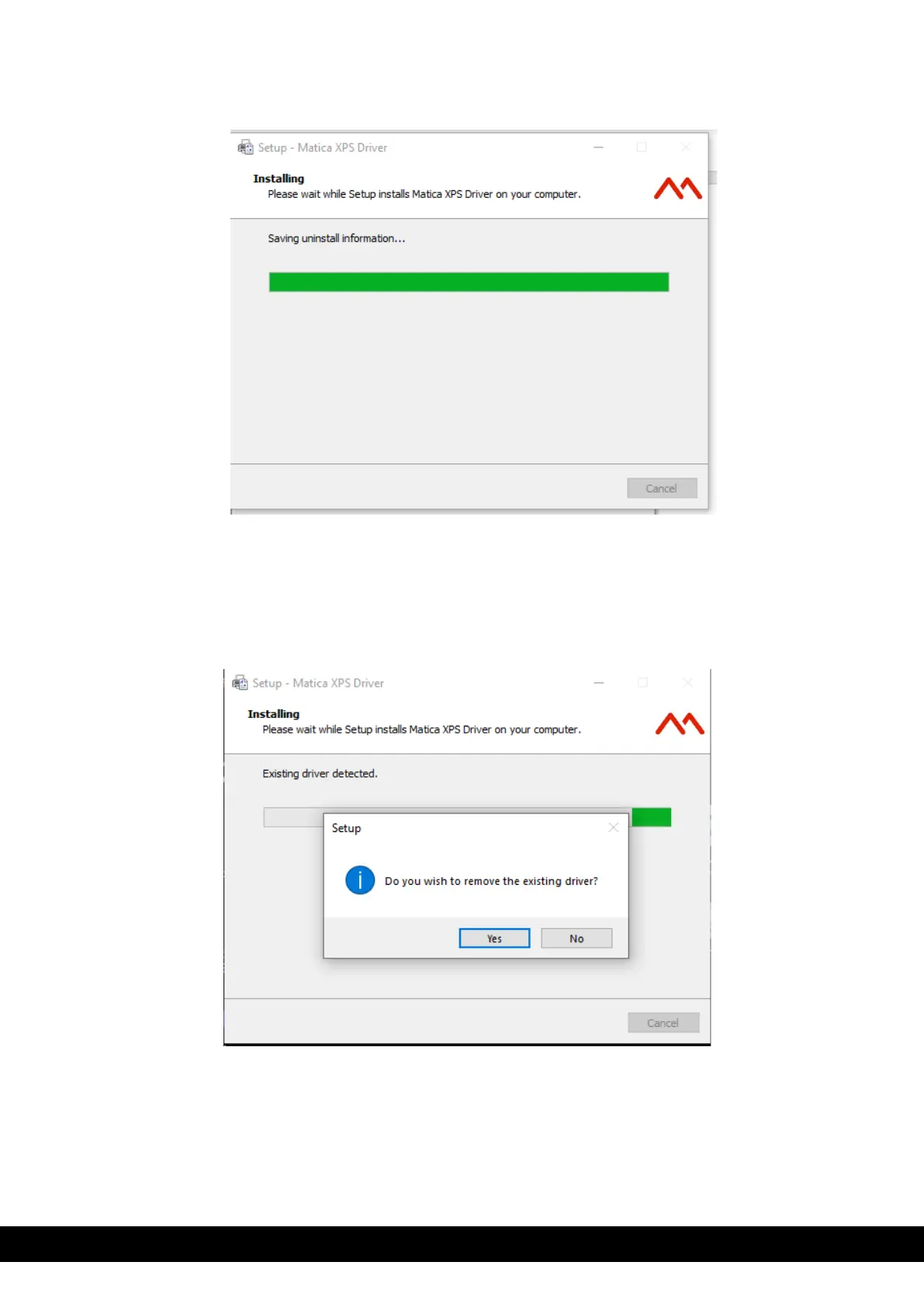
6) The installation process will now start,
7) During the installation process, the installer checks for previous versions of the driver.
a. If it detects a previous version, then a pop-up window will appear asking for permission to remove the
existing driver. Click ´Yes´ as it is recommended to remove any current version of the driver.
b. If there is no existing driver, see step 11 and continue.



 To Next Page