6. Once the IP address has been set or noted down, disconnect the USB cable.
7. Connect the LAN cable and switch the printer OFF and ON.
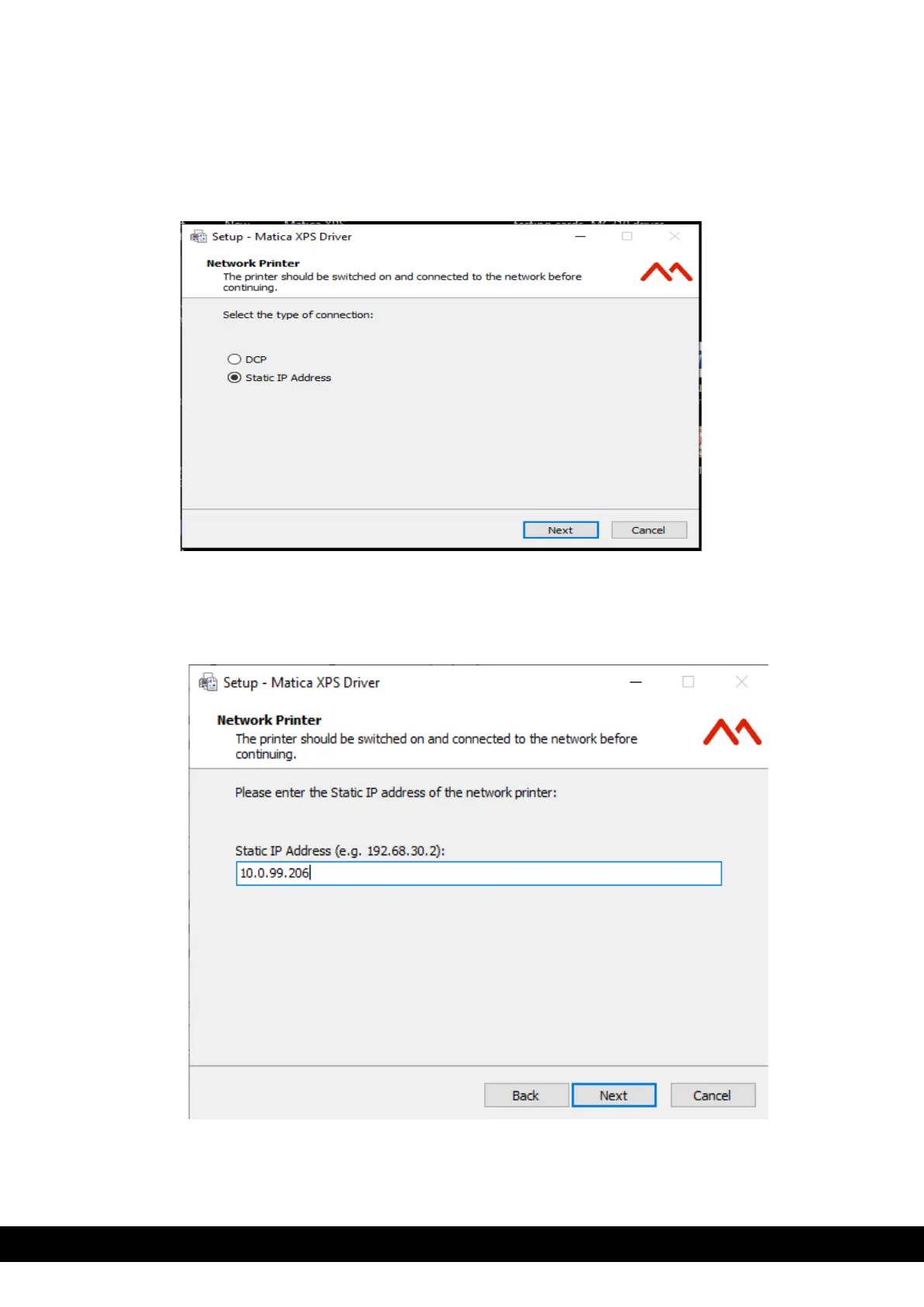
8. Select Static IP address and Click ´Next´.
9. Enter the Static IP address, as noted from step 5 and Click Next,
10. Click Finish to complete the Matica XPS Driver Setup Wizard,



 To Next Page