Black plate (148,1)
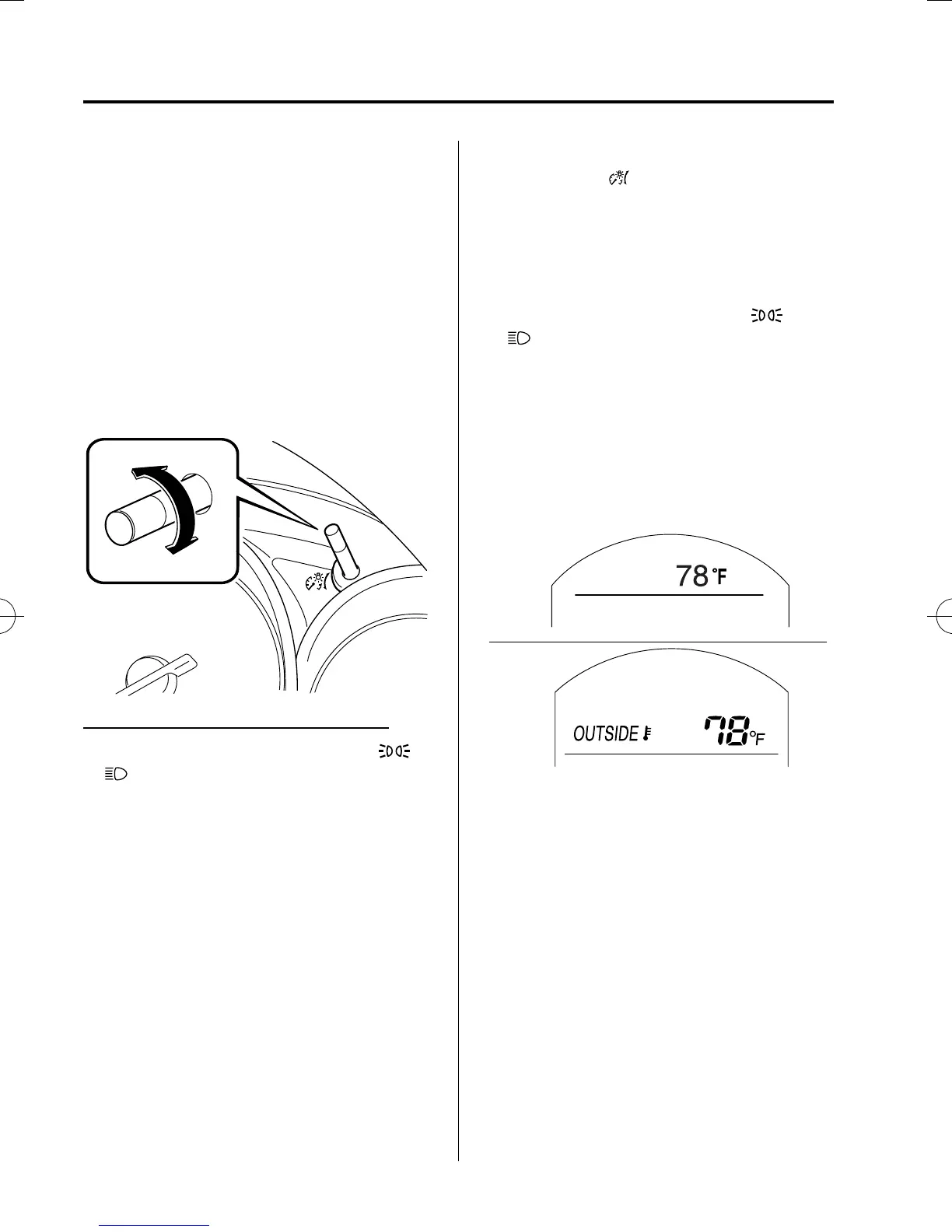
qDashboard Illumination
Rotate the knob to adjust the brigh tness of
the instrument cluster and other
illuminations in the dashboard.
NOTE
l
The brightness of dashboard illuminations
can be adjusted when the headlights and
Parking lights are turned on.
l
When the dashboard illumination
brightness cannot be adjusted any more, a
beep sound will be heard.
Dim
Bright
Canceling the illumination dimmer
When the headlight switch is in the
or position, the illumination of the
instrument cluster dims.
When driving on snowy or foggy roads,
or in other situations when the instrument
cluster's visibility is reduced due to glare
from surro unding brightness, cancel the
illumination dimmer and increase the
illumination intensity.
To cancel the illuminati on dimmer, rotate
the knob clockwise fully. You will hear a
beep sound and the illumination dimmer
will be canceled.
NOTE
l
This symbol ( ) indicates the knob to
adjust the brightness of the dashboard
illumination.
l
If the dashboard illumination knob is kept
at the illumination dimmer cancel position,
the instrument cluster will not dim when the
headlight switch is turned to the
or
position again. Rotate the dashboard
illumination knob counterclockwise to
activate the illumination dimmer.
qOutside Temperature Display
When the ignition is switched ON, the
outside temperature is displayed.
Type A
Type B
NOTE
Under the following conditions, the outside
temperature display may differ from the actual
outside temperature depending on the
surroundings and vehicle conditions:
l
Significantly cold or hot temperatures.
l
Sudden changes in outside temperature.
l
The vehicle is parked.
l
The vehicle is driven at low speeds.
4-14
When Driving
Instrument Cluster and Display
CX-5_8DV2-EA-14K_Edition5 Page148
Tuesday, November 24 2015 8:46 AM
Form No.8DV2-EA-14K



 To Next Page