Black plate (359,1)
qHow to use AUX mode (Type B)
1. Select the icon on the home screen and display the Entertainment screen .
2. Select
to switch to the AUX mode. The following icons are displayed in the lower
part of the center display.
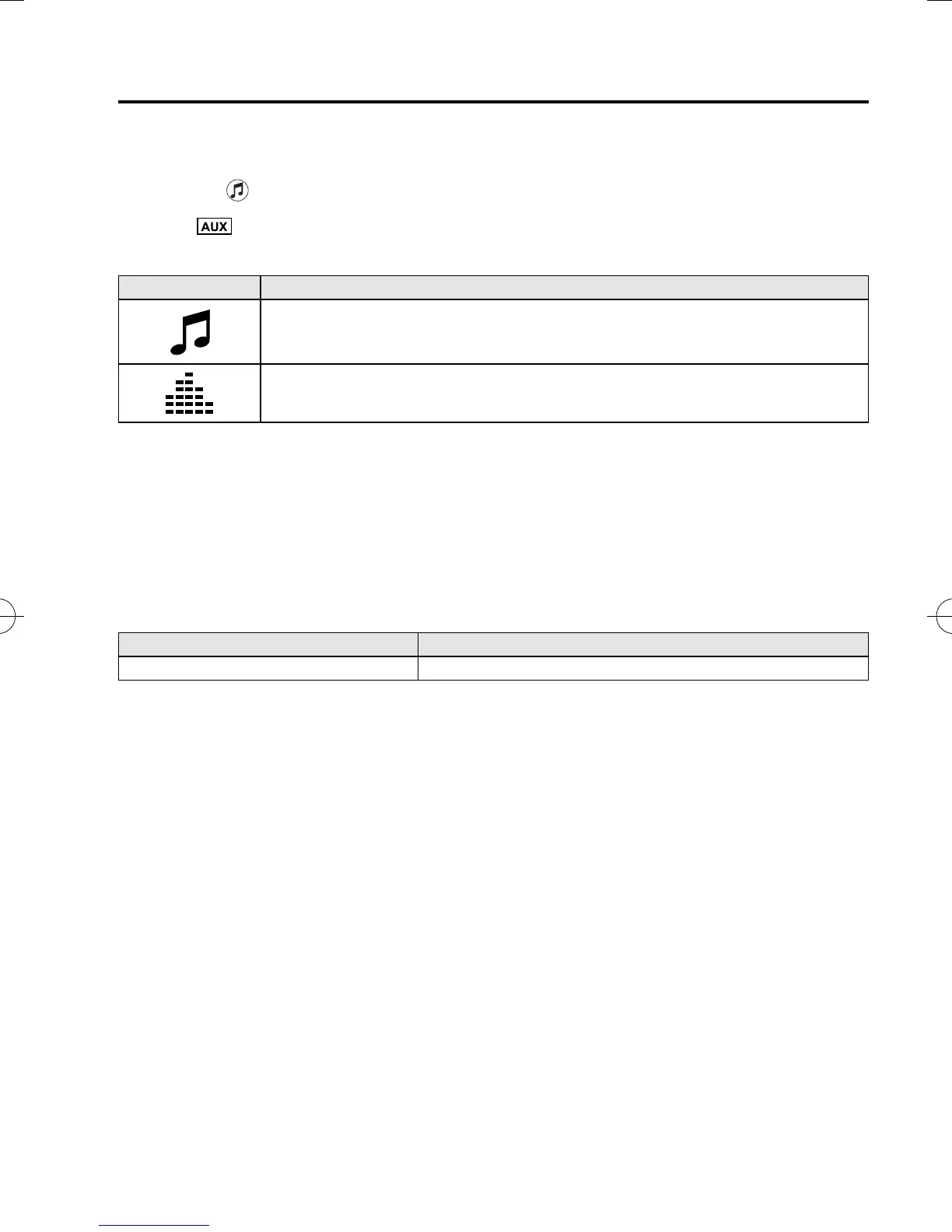
Icon Function
Displays the Entertainment menu. Use to switch to a different audio source.
Displays sound settings to adjust audio quality level.
Refer to Volume/Display/Sound Controls on page 5-36.
NOTE
l
If a device is not connected to the auxiliary jack, the mode does not switch to the AUX mode.
l
Adjust the audio volume using the portable audio device, commander switch, or audio control
switch.
l
Audio adjustments can also be made using the portable audio device's volume setting.
l
If the connection plug is pulled out from the auxiliary jack while in AUX mode, noise may occur.
qHow to use USB mode (Type B)
Type Playable data
USB mode MP3/WMA/AAC/OGG file
This unit does not support a USB 3.0 device. In addition, other devices may not be
supported depending on the model or OS version.
USB devices formatt ed to FAT32 are supported (USB devices formatted to other formats
such as NTFS are not supported).
Interior Features
Audio System
5-63
CX-5_8DV2-EA-14K_Edition5 Page359
Tuesday, November 24 2015 8:49 AM
Form No.8DV2-EA-14K



 To Next Page