Black plate (289,1)
qViewing the Display
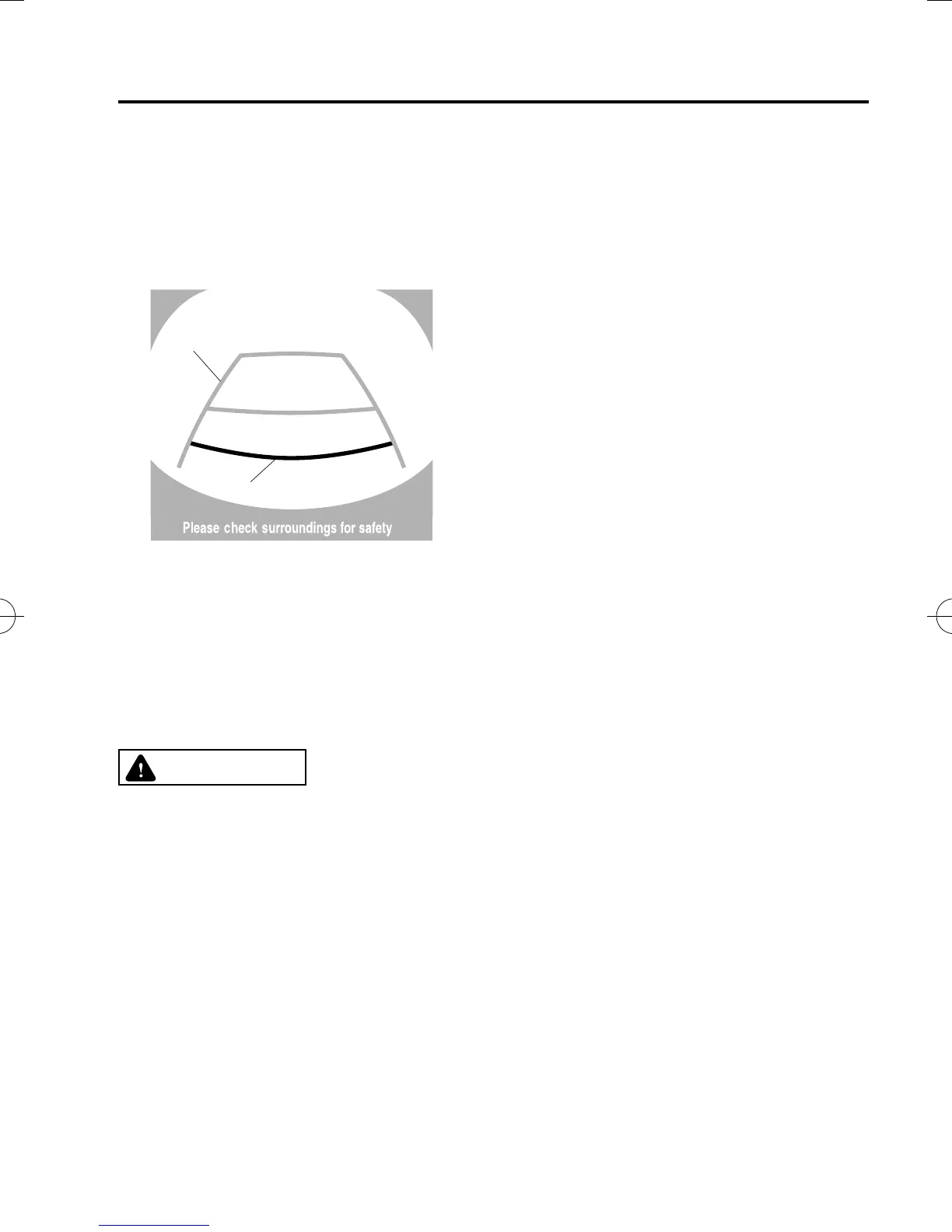
Guide lines which indicate the width of the vehicle (yellow) are displayed on the screen as
a refere nce to the approximate width of the vehicle in comparison to the width of the
parking space you are about to back into.
Use this display view for parking your vehicle in a parking space or garage.
b
a
a) Vehicle width guide lines (yellow)
Guide lines serve as a reference to the approximate width of the vehicle.
b) Distance guide lines
These guide lines indicate the approximate distance to a point meas ured from the
vehicle's rear (from the end of the bumper).
The red and yell ow lines indicate the points about 50 cm (19 in) for the red line and 100
cm (39.3 in) for the yellow lines from the rear bumper (at the center point of each of the
lines).
CAUTION
The guide lines on the screen are fixed lines. They are not synced to the driver's
turning of the steering wheel. Always be careful and check the area to the vehicle's
rear and the surrounding area directly with your eyes while backing up.
qRear View Monitor Operation
The operation of the rear view monitor when reversing the vehicle varies depending on the
traffic, road, and vehicle conditions. The amount of steering and the timing also varies
depending on conditions, so confirm the surrounding conditions directly with your eyes
and steer the vehicle in accordance with the conditions.
Be well aware of the above cauti ons prior to using the rear view monitor.
NOTE
Images displayed on the monitor from the rear view parking camera are reversed images (mirror
images).
1. Shift the shift lever to R to switch the display to the rear view monitor display.
When Driving
Rear View Monitor
4-155
CX-5_8DV2-EA-14K_Edition5 Page289
Tuesday, November 24 2015 8:48 AM
Form No.8DV2-EA-14K



 To Next Page