Black plate (415,1)
Icon Function
Fast-forwards for 30 seconds.
Displays sound settings to adjust audio quality level.
Refer to Volume/Display/Sound Controls on page 5-36.
*2 Some stations may use alternate variations of Like and Dislike, based on station type or provider.
Main menu
Select the
icon.
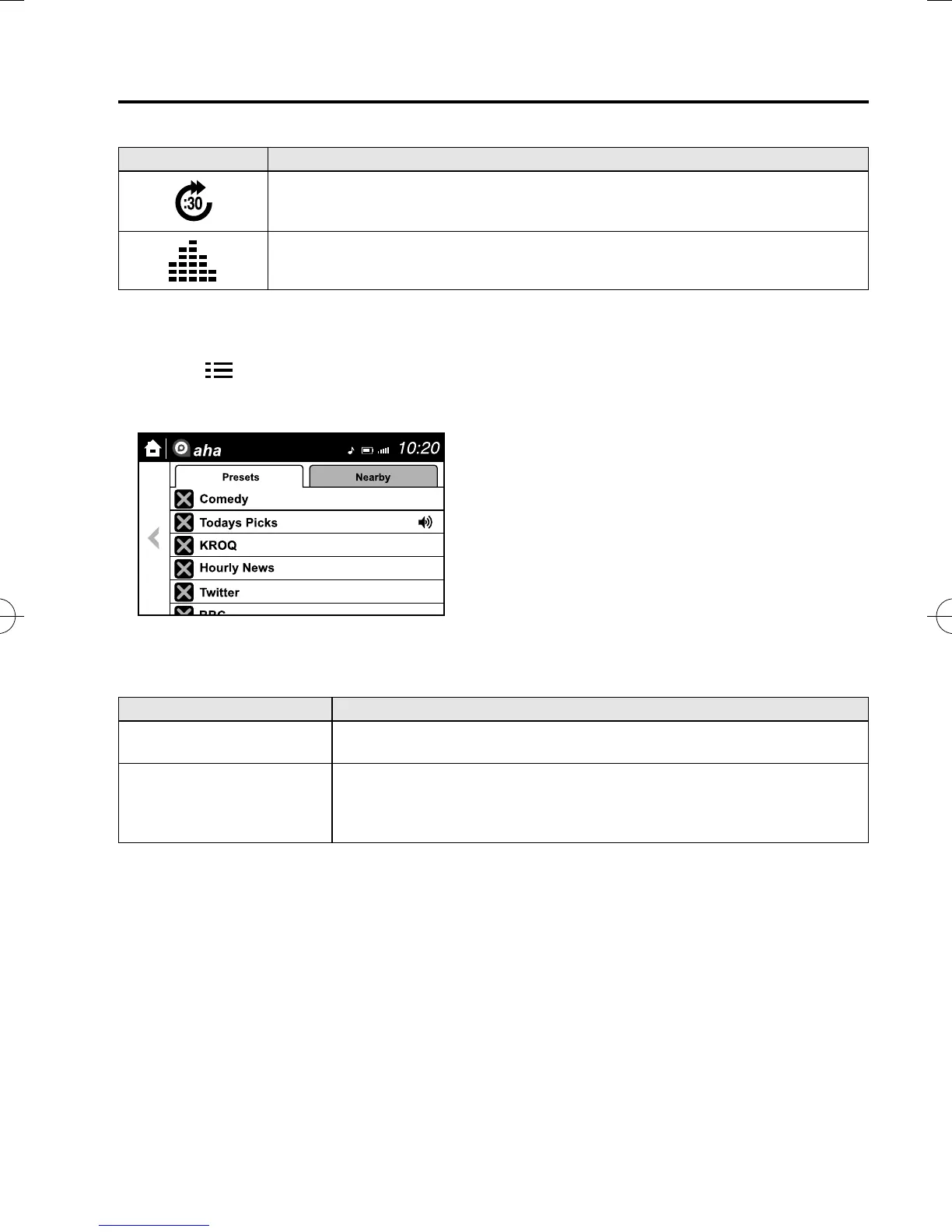
Switch the tab and select the stat ion category.
Tab Function
Presets
Displays the preset station list set on the device.
Select the preset station name to play the station content.
Nearby
Select the desired station.
Guidance is provided to the searched destination near the vehicle's position.
You can designate desired categories previously set using the filter setting on
your device.
NOTE
The available Location Based Services may differ because the services depend on the content
provided by Aha™.
Interior Features
Bluetooth®
5-119
CX-5_8DV2-EA-14K_Edition5 Page415
Tuesday, November 24 2015 8:50 AM
Form No.8DV2-EA-14K



 To Next Page