25
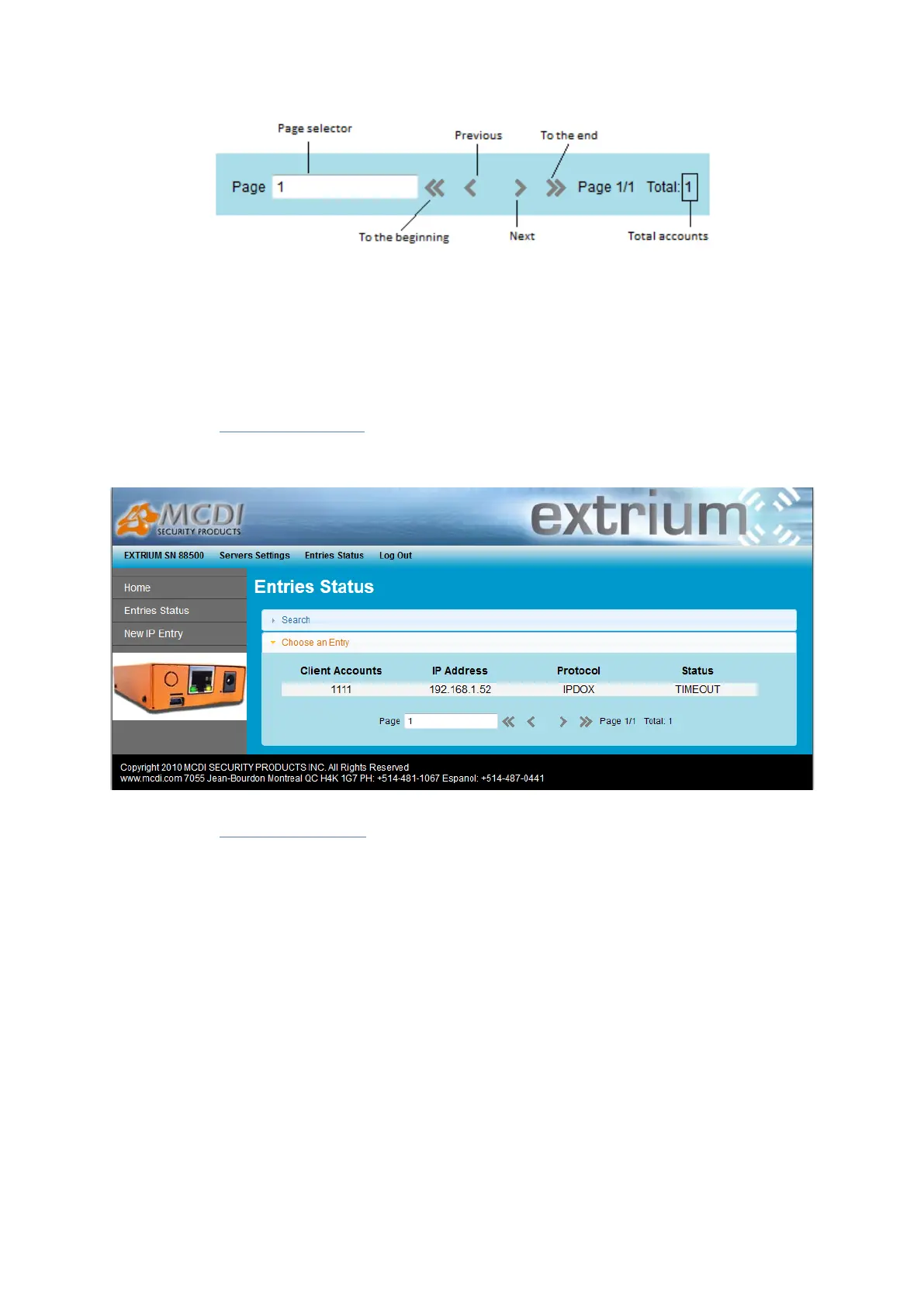
Navigation bar
Search, view and delete an IP account
Follow the previous steps to open the registered accounts list web page.
From the IP account list:
Place the mouse on the account you want to edit and click on it to open the account details page.
Select account from the list
With the “search” utility:
Another method to open the account details page is to use the searching account utility.
This will work only if you know the client account.
Open the “Search” tab, located on the same page than the account list.


 To Next Page