38
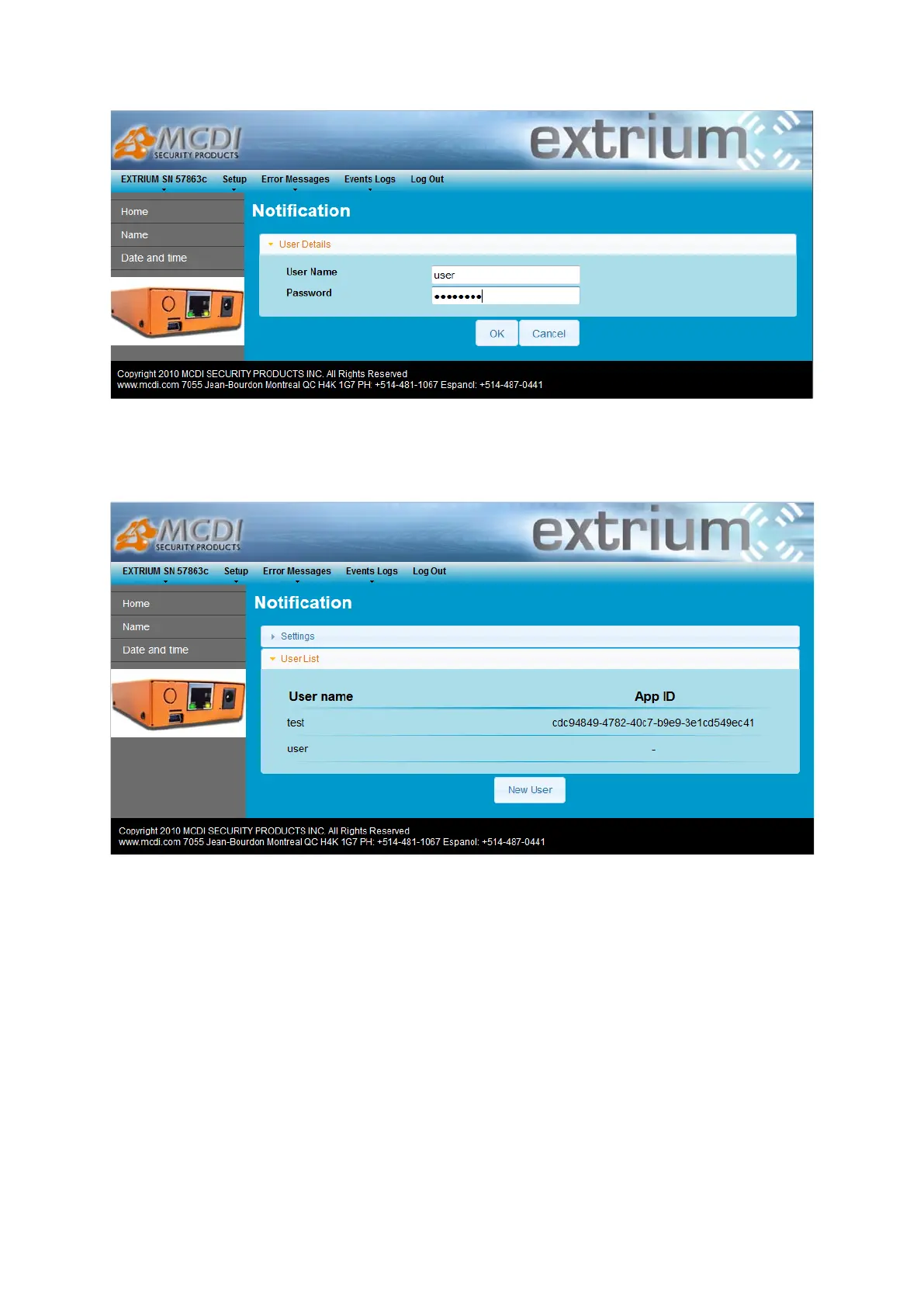
New user details
Put the new user name and password and click on the “OK” button to add user.
This user name and password will be used in the Android application for authentication.
Once user is added, you can unfold the user list where you should see the new user in the user list:
User list
A user will work with only one device. To delete, change password, remove app association of a user,
please read the User management section.
You can add 5 users in the list.
Users management
Log into DT42 and follow previous steps in this document to access the notification settings web page.
Unfold the user list section to see the list of created users.


 To Next Page