37
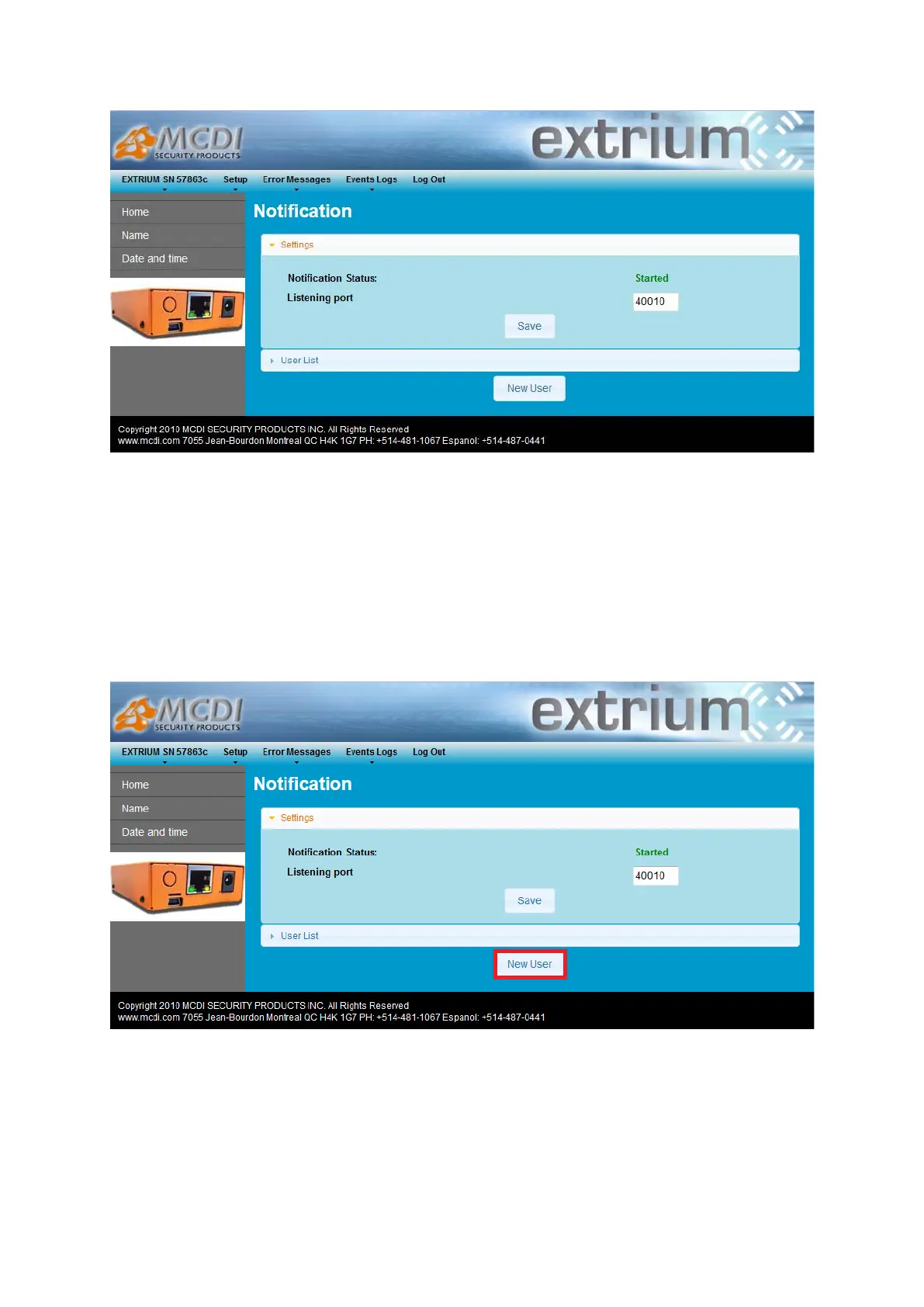
Notification management page
You can change the listening port and click on “Save” button to save your setting.
This will restart notification server and apply the new configuration.
Notification users
Add new user
Log into DT42 and follow previous steps in this document to access the notification settings web page.
You can add a new user by clicking on the “New User” button.
New User
This will open a new page where you can add the user credentials.


 To Next Page