27
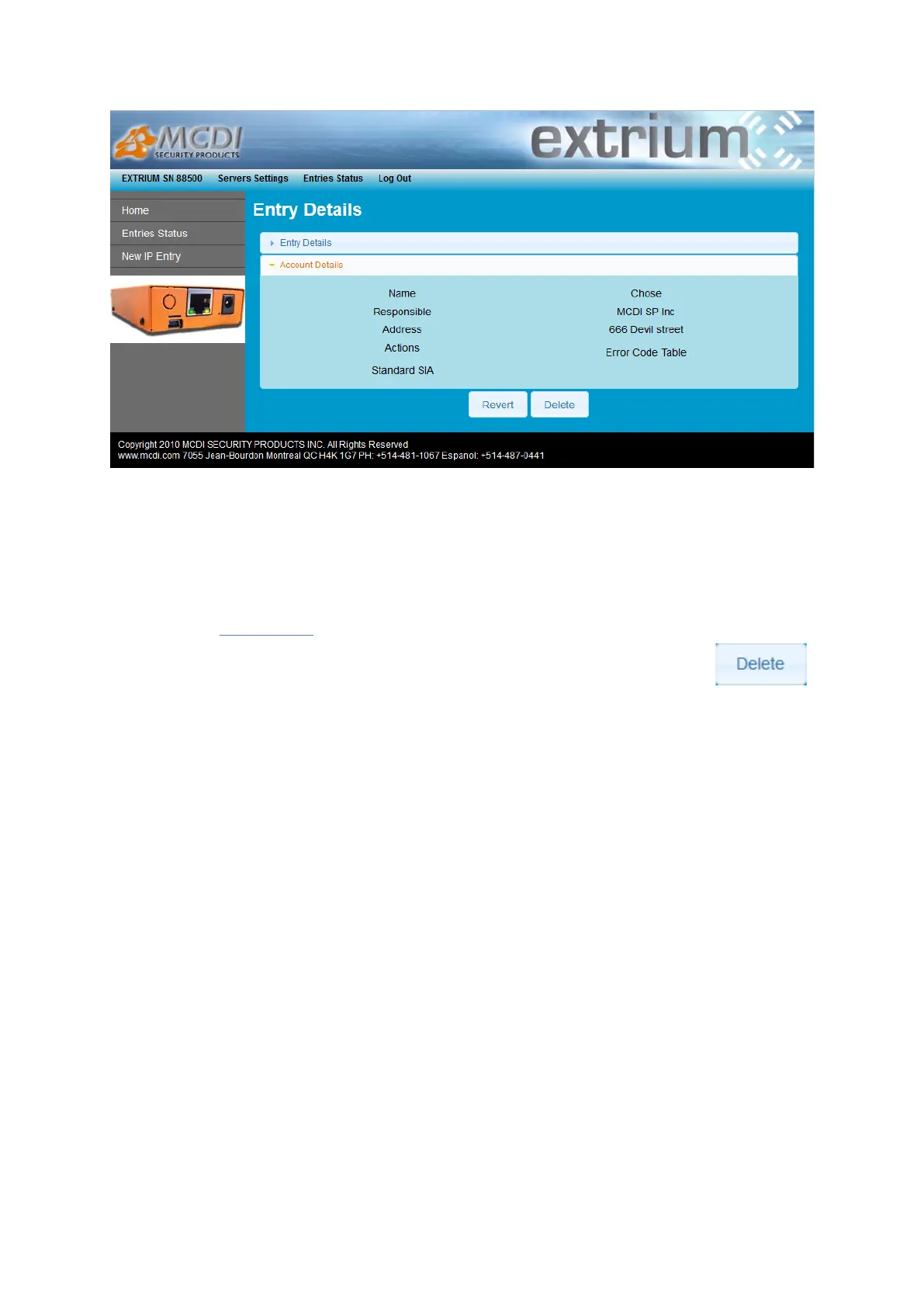
Account details
Account details displayed is taken from the internal database or from the remote Securithor database.
See Extrium main documentation for more details about databases.
If the account does not exist in the internal database or in the remote Securithor database, then this tab
should be empty.
Delete Account:
To delete an existing account, go to the account details page and click on the button
Status and timeout
IP account status
You can access anytime the Extrium DT42 Web pages to see the status of your authorized IP accounts.
You will find more information about how to view IP account list in the previous chapter of this guide (see
section 3.6).


 To Next Page