18
Here is the detail of the parameters needed for Pegasus/3i protocol:
Listening port:
Define the server listening port. 3i/Pegasus use TCP protocol.
Panel Timeout:
Define the default value for panel timeout. This value is in seconds.
If a panel doesn’t send anything during a time superior than the set value, then a timeout event will be
send to the user.
Maximum Connections:
Maximum simultaneous connections allowed for this server. The default is 100.
If you network problem or panel timeout occurs, then you should adjust this value.
Protocol:
For now, only protocol 1 is available.
To save the server, click on the button
Paradox IPDOX server parameters details
To add a new Paradox IPDOX server, follow the steps described on the previous section “How to add a
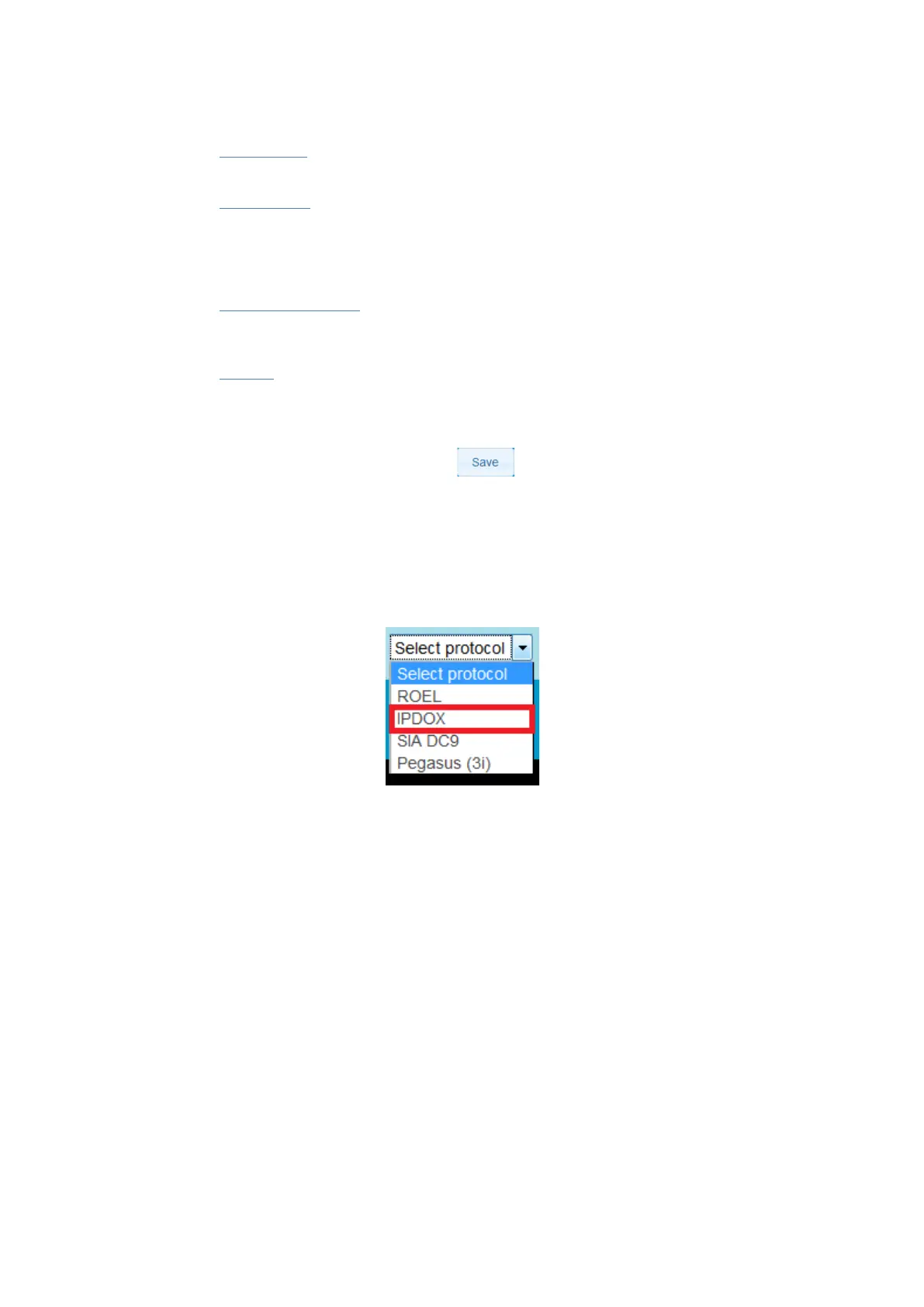
server”, and choose “IPDOX” in the protocol selector.
IPDOX selection
A new page with a list of parameter should appear:


 To Next Page