41
Alarm list
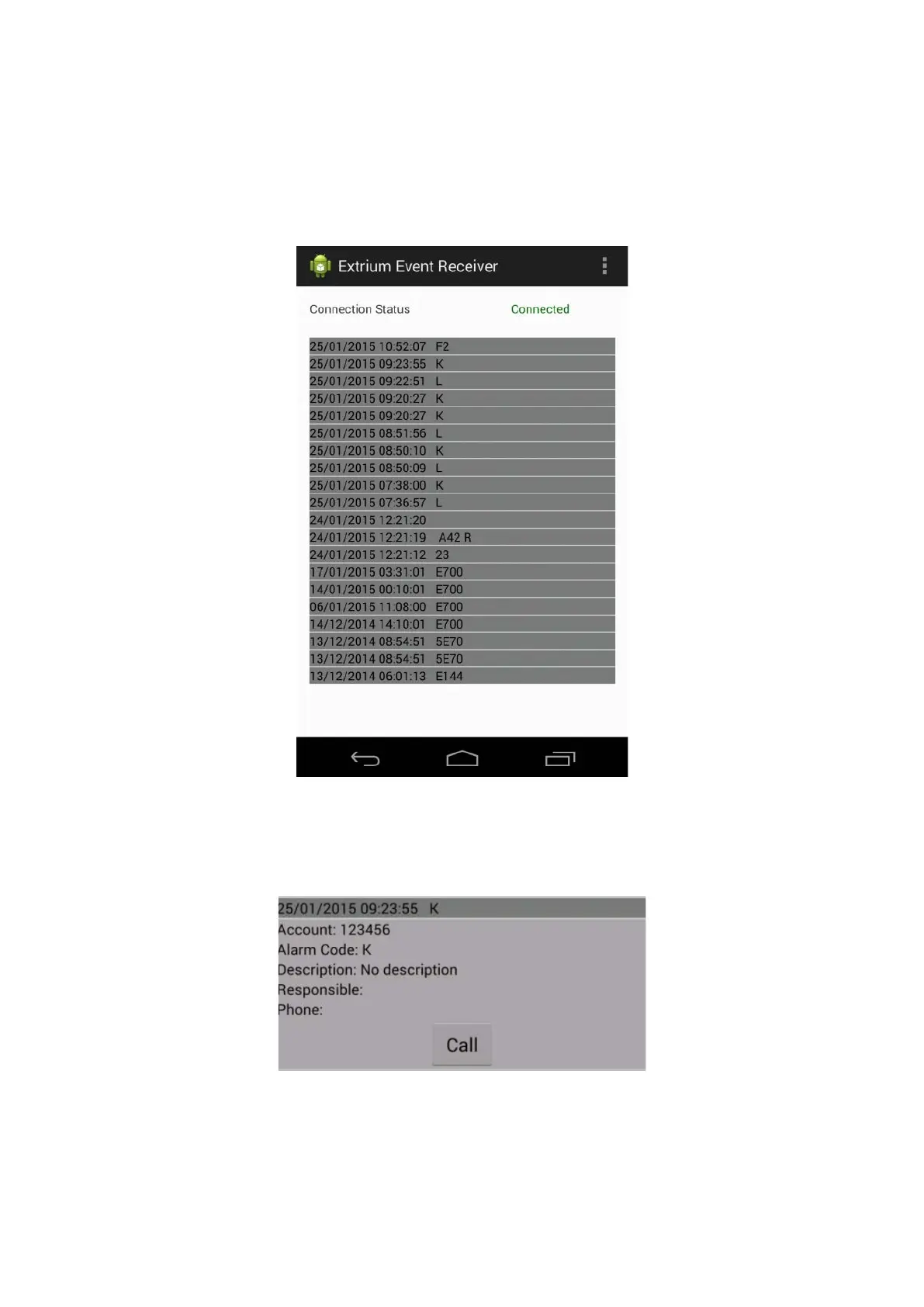
If the connection is good, then you should start to receive the alarms in the main window.
The alarms are in a list containing the alarm time and code.
Alarm list
You can tap on an alarm to expand it and see the details:
Alarm details
The fields of the alarm details are populated according to the DT42 internal database.
The “Call” button will only work if you install the app on a device that have phone capabilities.
This button can be used to call the phone number associated with the account, if any.


 To Previous Page