39
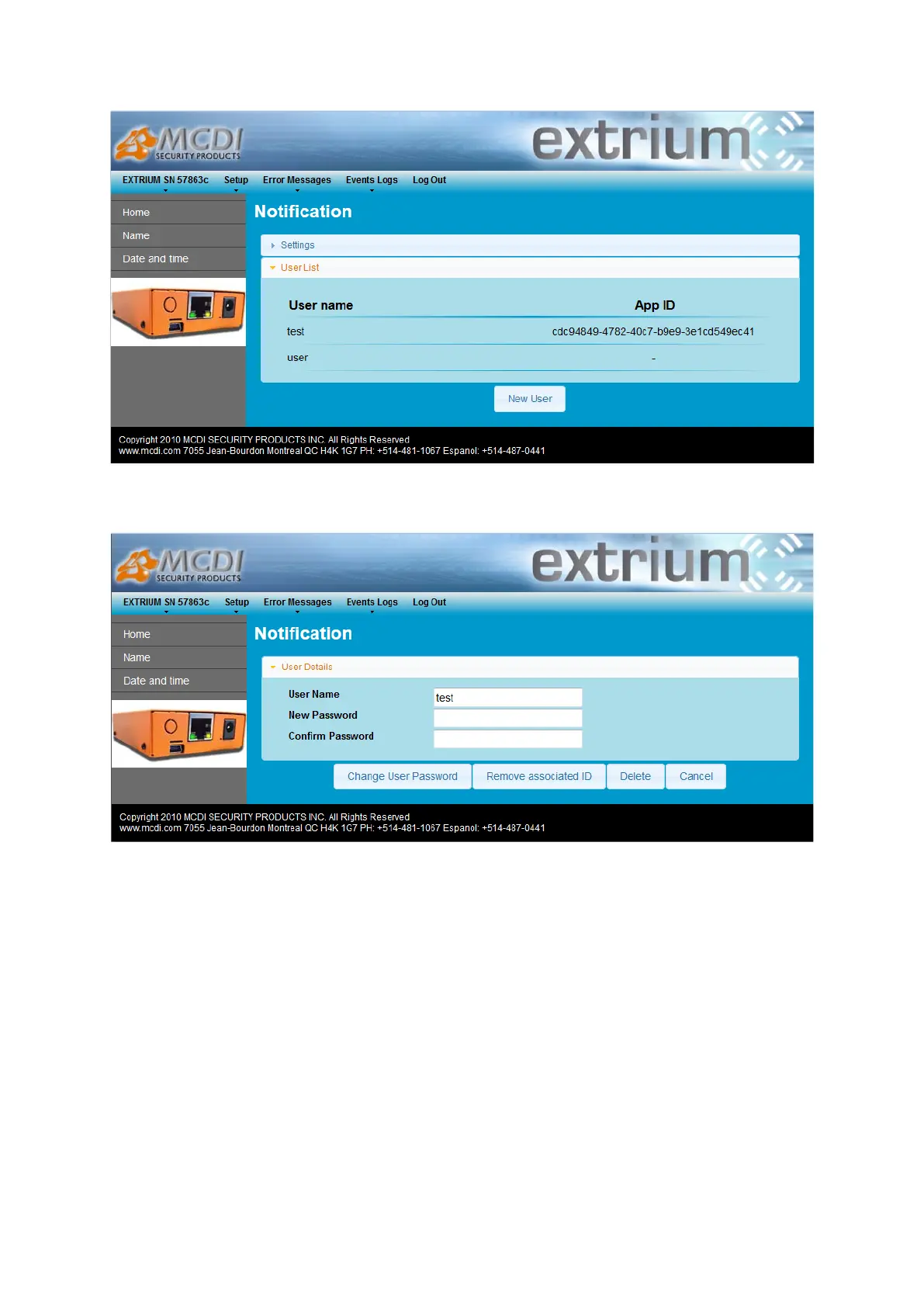
User list
Click on any user to edit it.
User details
You can perform any actions related to user on this page: delete user, changing password, remove user
app ID.
Android application
Installation
Transfer the .apk file given by mcdi into the android phone file system.
Then open the file in the phone, it should install the application “Extrium Notification Receiver” in your
phone.
If any problem to install, try to verify in the phone if you can install non-signed applications.


 To Next Page