40
Settings the app
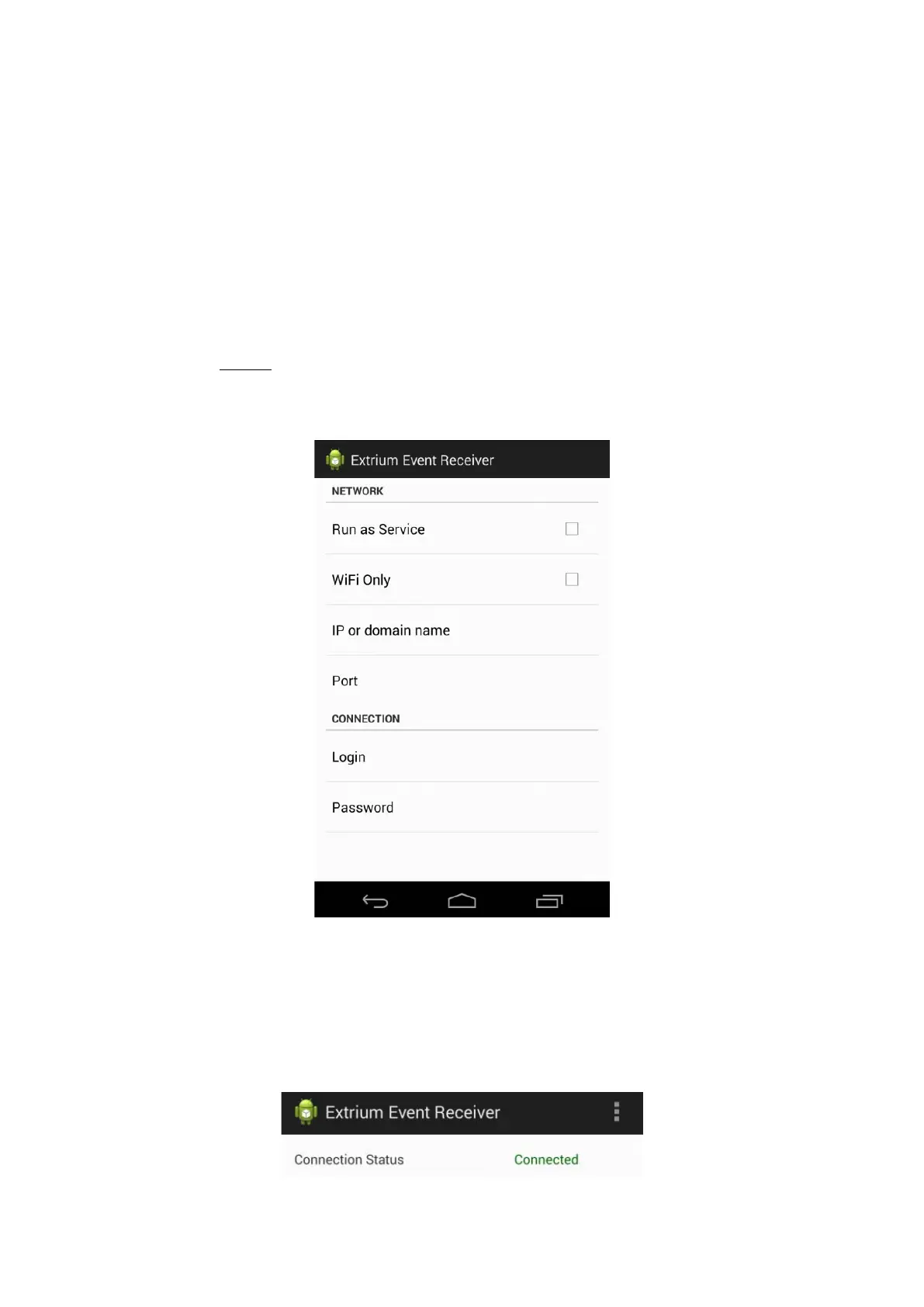
There are 4 main settings in the android app:
- The Extrium IP address or domain name
- The Extrium port
- The login
- The password
- “Run as a service”: this settings if enable will start a service in background in the phone to continue
to check if there is new alarms in Extrium, even if the app is closed. The service will connect to Extrium
every 5 minutes to check for new alarms. If you uncheck this option, you will have to start the
application to update the alarm list.
Warning: Enable this service will prevent the phone to go into deep sleep mode.
- “Wifi Only”: this settings if enable will force the application to check for new event only if are on wifi
network. This prevent to use data connections (3G, 4G).
Application settings
Status of connection
Once, you set the application with correct user/password and IP:port, the current connection status to
Extrium will be in the text in the top right of the main windows of the app.
Connection status



 To Next Page