30
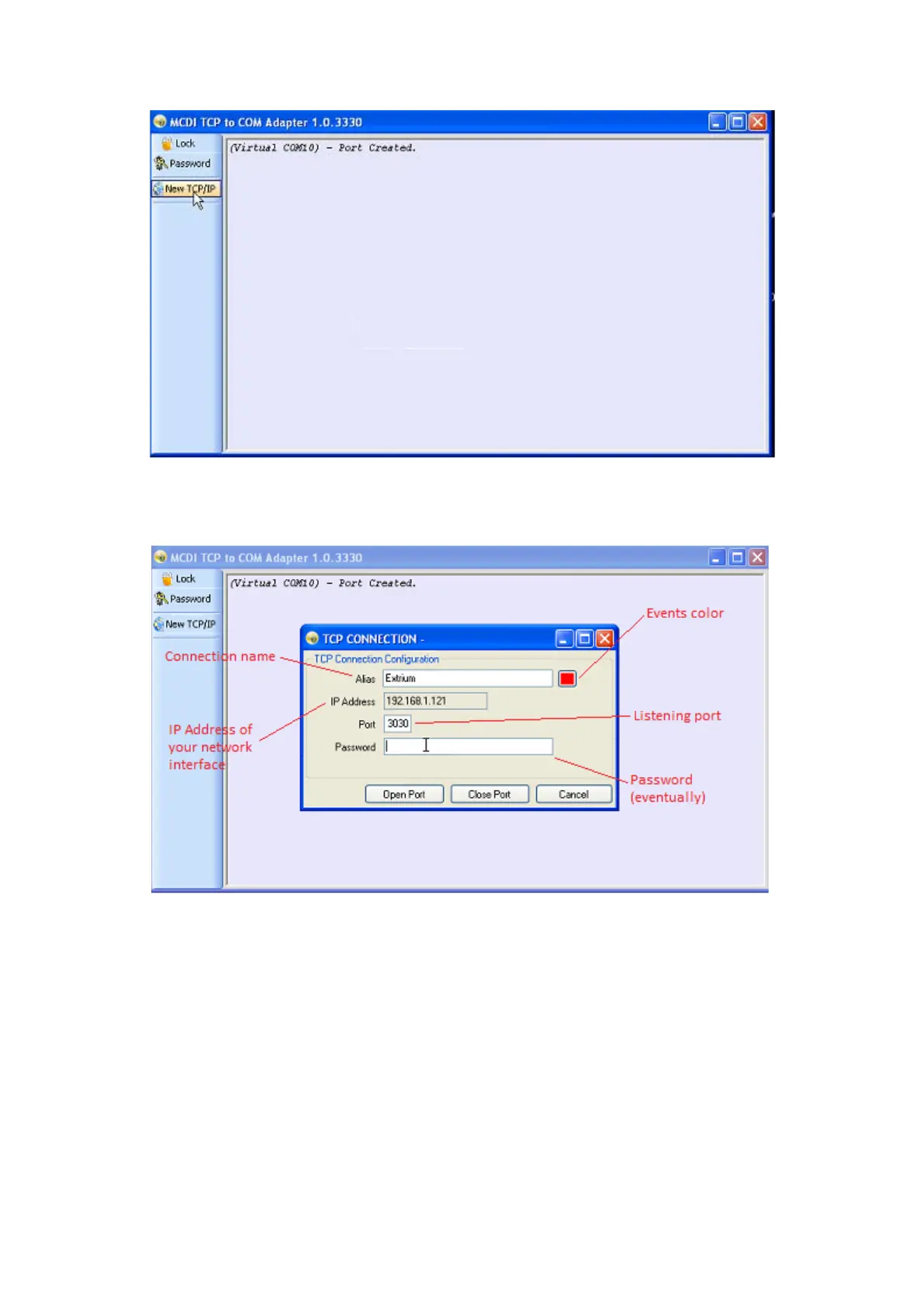
New TCP/IP
A new window should open, where you can enter the listening port details:
TCP Connection options
Be sure to enter the same settings here than in your Extrium (see section “How to set Extrium DT42 to
send alarm by TCP IP port”).
Click on “Open Port” to start listening.
If all settings are good, you should start receiving heartbeats from Extrium.


 To Next Page