P3V Veterinary Digital Ultrasonic Diagnostic Imaging System User Manual
- 116 -
To measure PS/ED:
1. In the D-Car MEAS menu, roll the trackball to highlight PS/ED and press Set and a “+” is
displayed.
2. Roll the trackball and press Set to anchor the first point, measuring Vel1.
3. Roll the trackball and press Set to anchor the second point, measuring Vel2, and calculating
PS/ED.
4. Roll the trackball and press Set to begin a new PS/ED measurement. You can measure a
maximum of one group of data. The outcome will be displayed in the measurement result
window, as shown below.
9.4. Cardiac Report
After the cardiac examination, the system generates a cardiology examination and diagnosis
worksheet.
1. Select the exam mode Cardiac.
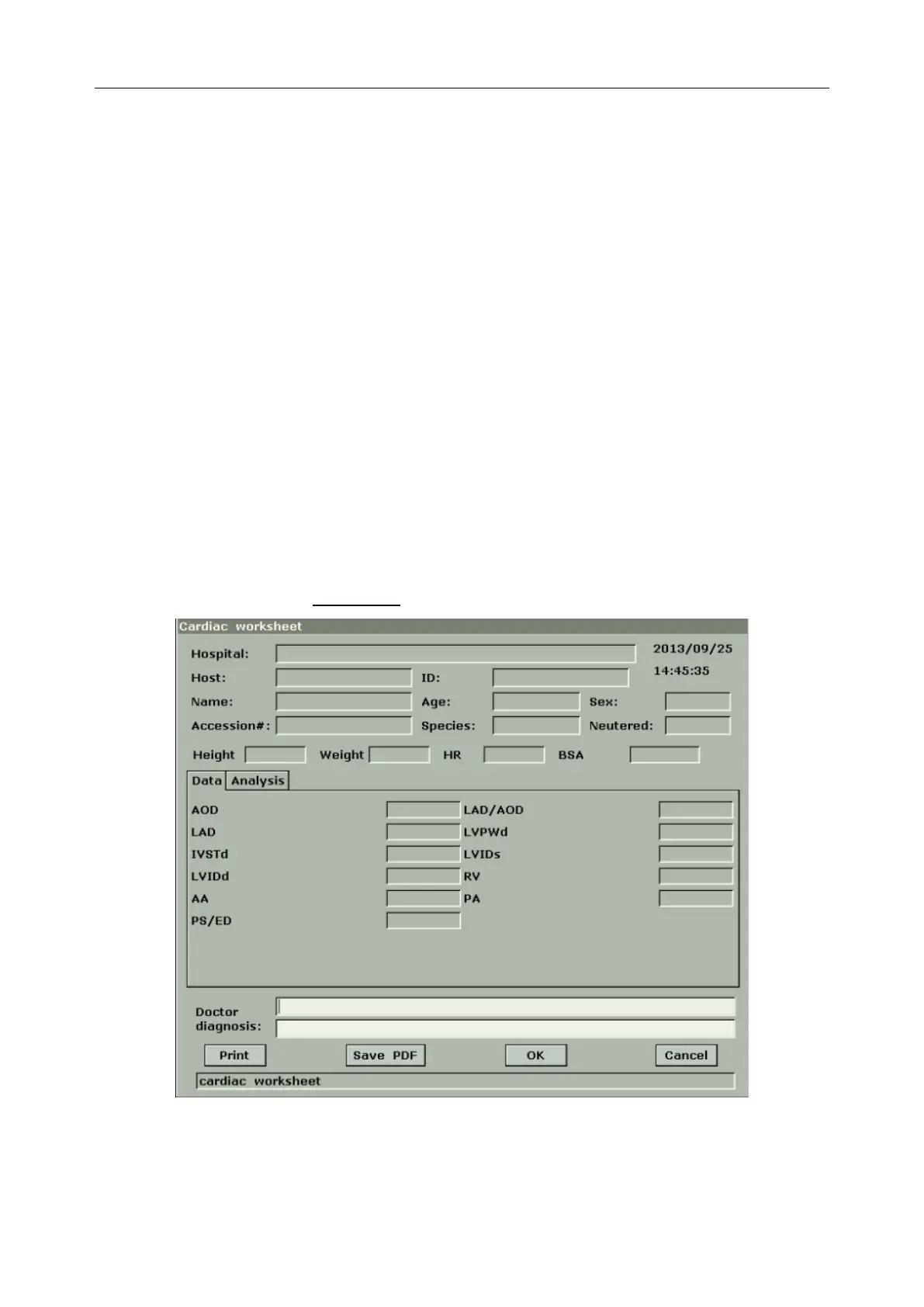
2. In M/B mode, after application measurements press Car Worksheet to open Cardiac
Worksheet, as shown in Figure 9-10.
Figure 9-10 Cardiac Worksheet
The diagnosis editing column displays the cursor “І”, and you can enter diagnosis information.



 To Next Page