P3V Veterinary Digital Ultrasonic Diagnostic Imaging System User Manual
- 121 -
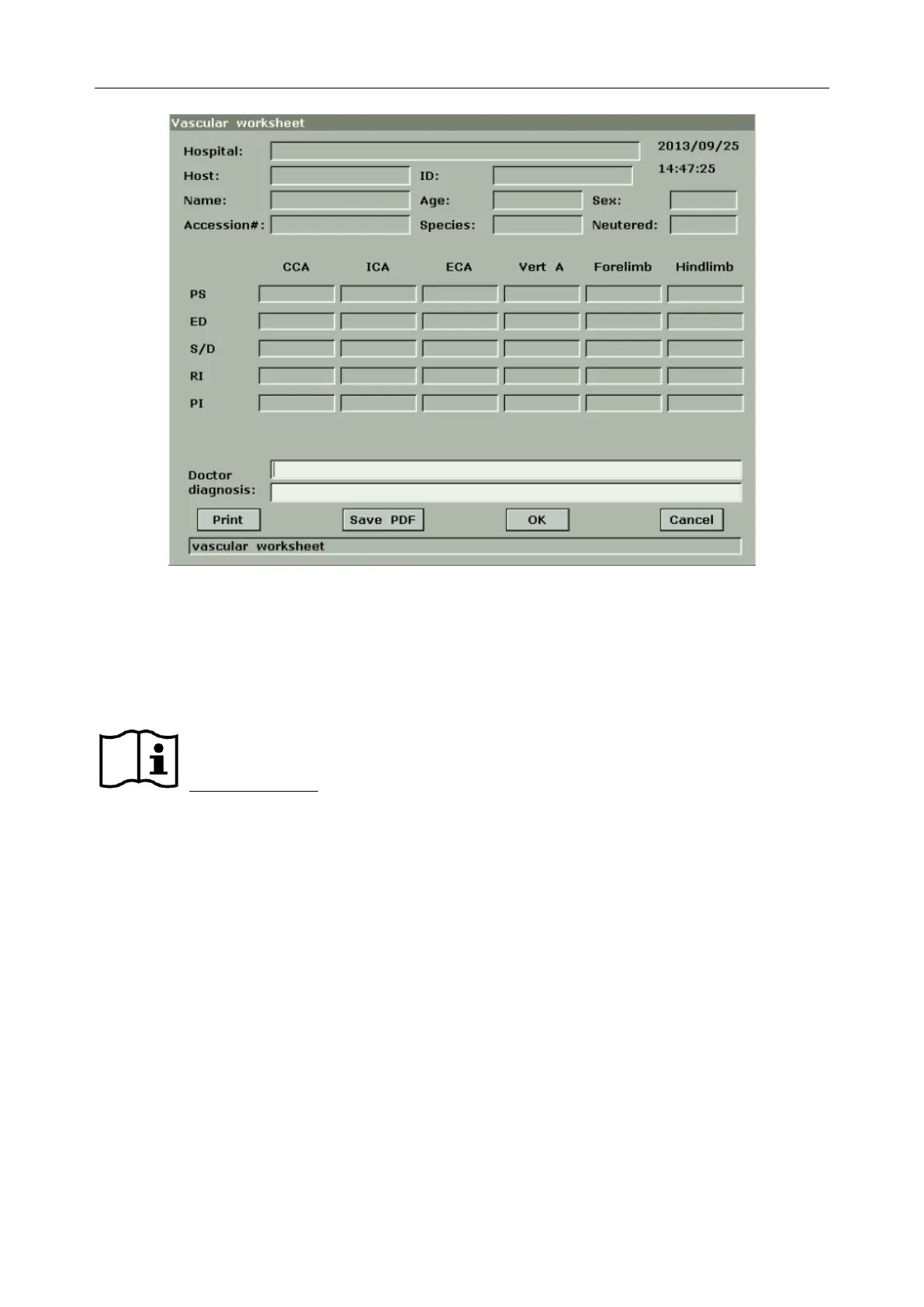
Figure 10-2 Vascular Worksheet
The diagnosis editing column displays the cursor “І”, and you can enter diagnosis information.
To print the report:
Press Print in the vascular worksheet.
Printing reference Section 5.8 Printing.
10.3. Others
Select Others to enter another application measurement



 To Next Page