P3V Veterinary Digital Ultrasonic Diagnostic Imaging System User Manual
- 32 -
NOTE:
1. Please be gentle when running the trackball.
2. Please keep the surface of trackball clean.
5.4.2. “0~9” Numeric Keys
Numbers are used for time calibrating, data setting, age notating, and comment adding etc.
5.4.3. Alphabetic Keys
The system supports some language-specific characters through the use of SHIFT with a
combination of keys on the keyboard. Press any of these keys in the annotation mode and the
comment mode to display the corresponding character on the cursor position.
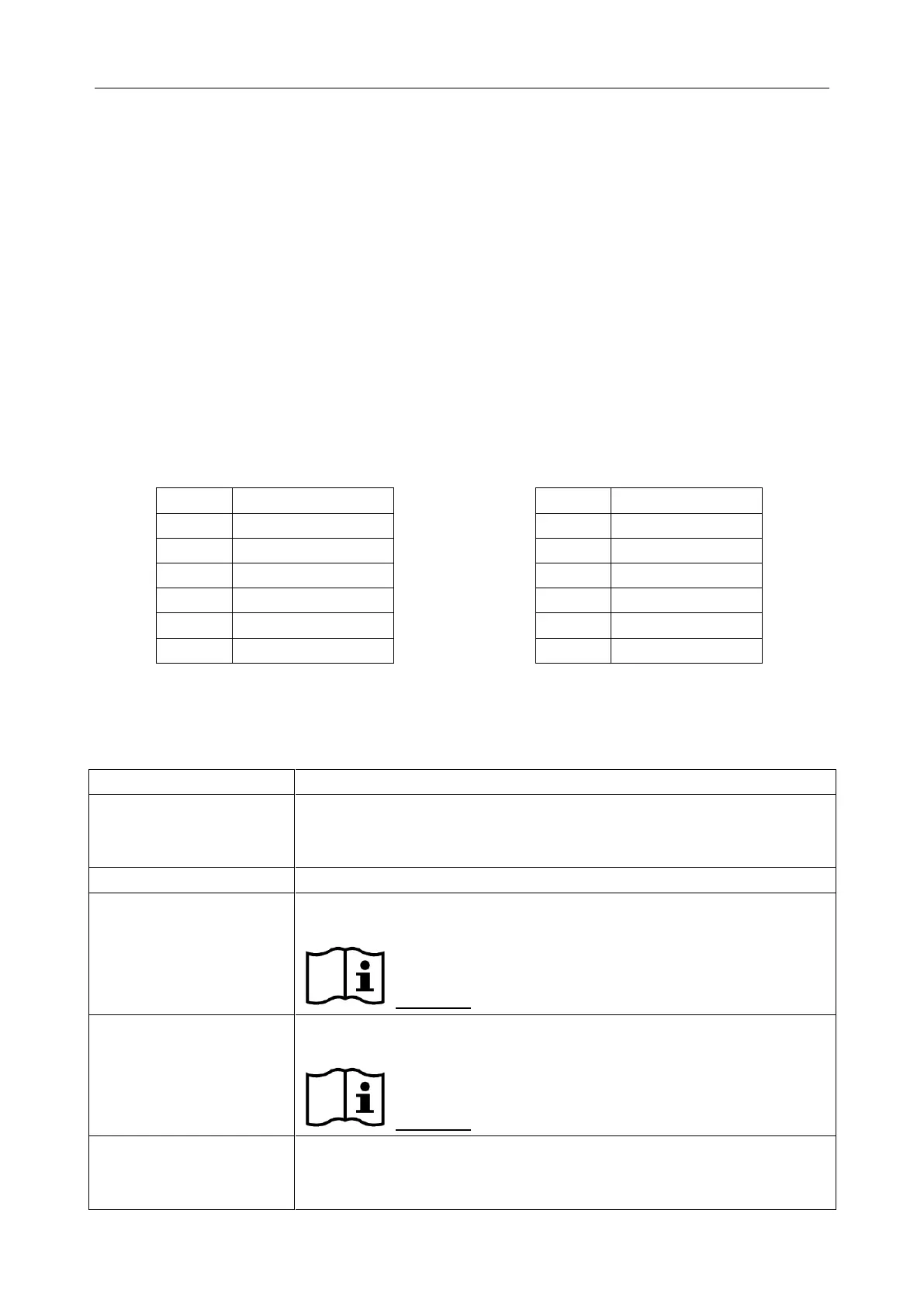
Table 5-1 German and French Characters
5.4.4. Function Controls
Glide the slide controls to adjust the TGC, glide the upper segments to
adjust the near field gain, and the lower segments to adjust the far field
gain; glide rightward to increase TGC, and glide leftward to decrease.
Preset key
Press this to activate or to deactivate the preset function.
Reference Section 5.7, Presetting.
File management key
Press this key to enter or to exit the file management system.
Reference Section 6.8, File Management.
Phased Inversion Harmonic Compound Imaging
Press this key to open the function of phased inversion harmonic



 To Next Page