Gray Auto Control, Adjust the image penetrability. The purpose of
GAC is to eliminate the high echo saturation in order to show
clear clinical information.
Table 5-8 Obstetric Presetting Information – IP 1
NOTE: The presetting information of IP-H is all the same as IP.
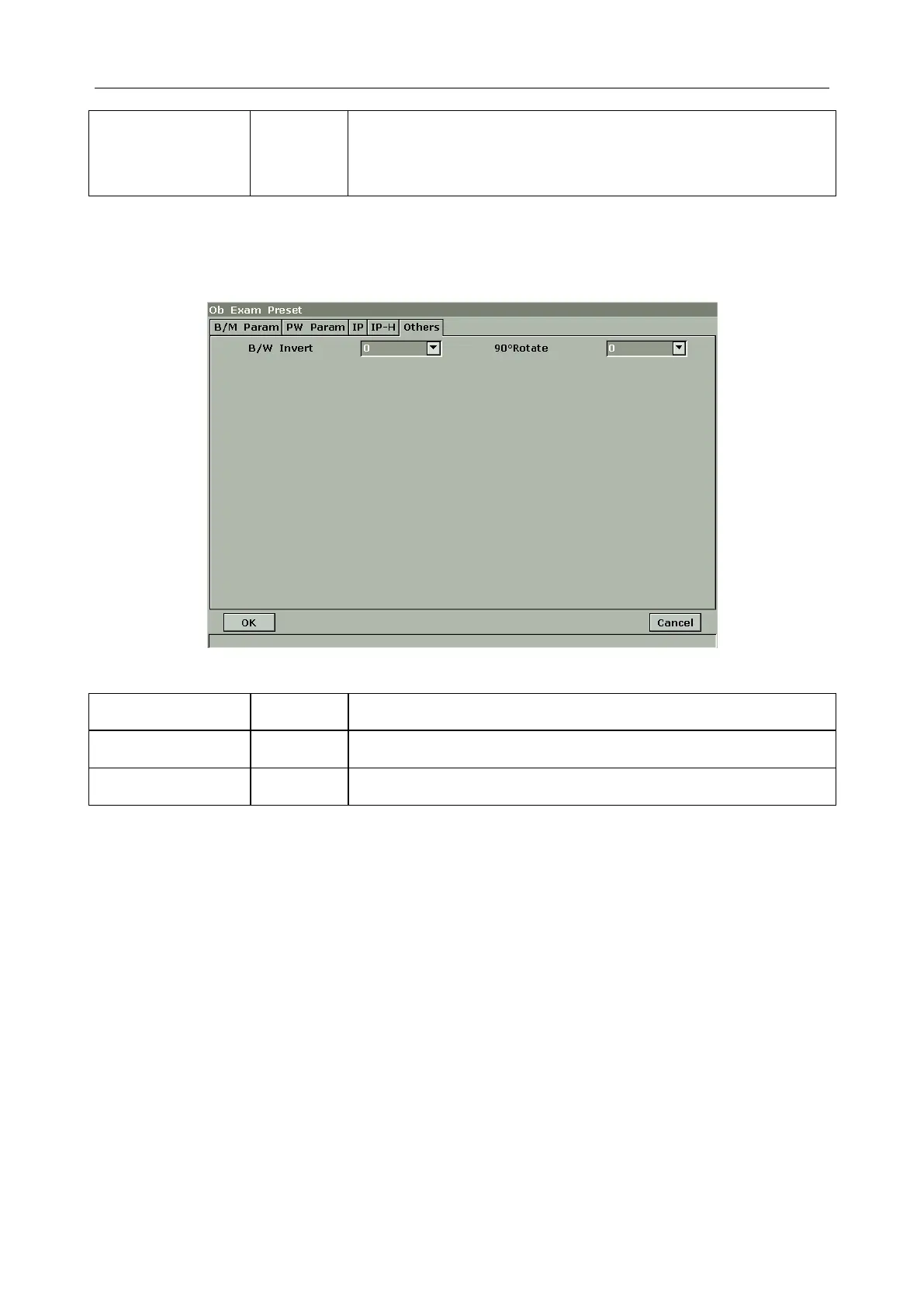
Others
Figure 5-18 Obstetric Presetting –Others Tab
Table 5-9 Obstetric Presetting Information – Others
5.7.5. Editing Comment Library
There are eight tabs of comment library: generic, abdomen 1, abdomen 2, obstetric, cardiac, small
parts, lesion 1 and lesion 2. Each tab has a few sets of comments defined at factory, and you can
create up to 6 user-defined comments for each tab. Creating a comment library for a patient report
saves your time, especially for recurring examinations. You can quickly add a comment by using
the comment library.
Operation procedure:
1. Press Preset on the keyboard to activate the presetting function.
2. Roll the trackball to highlight Comment and then press Set. Then the Comment Preset dialog
box is displayed, as shown below:



 To Next Page