P3V Veterinary Digital Ultrasonic Diagnostic Imaging System User Manual
- 47 -
the selected option.
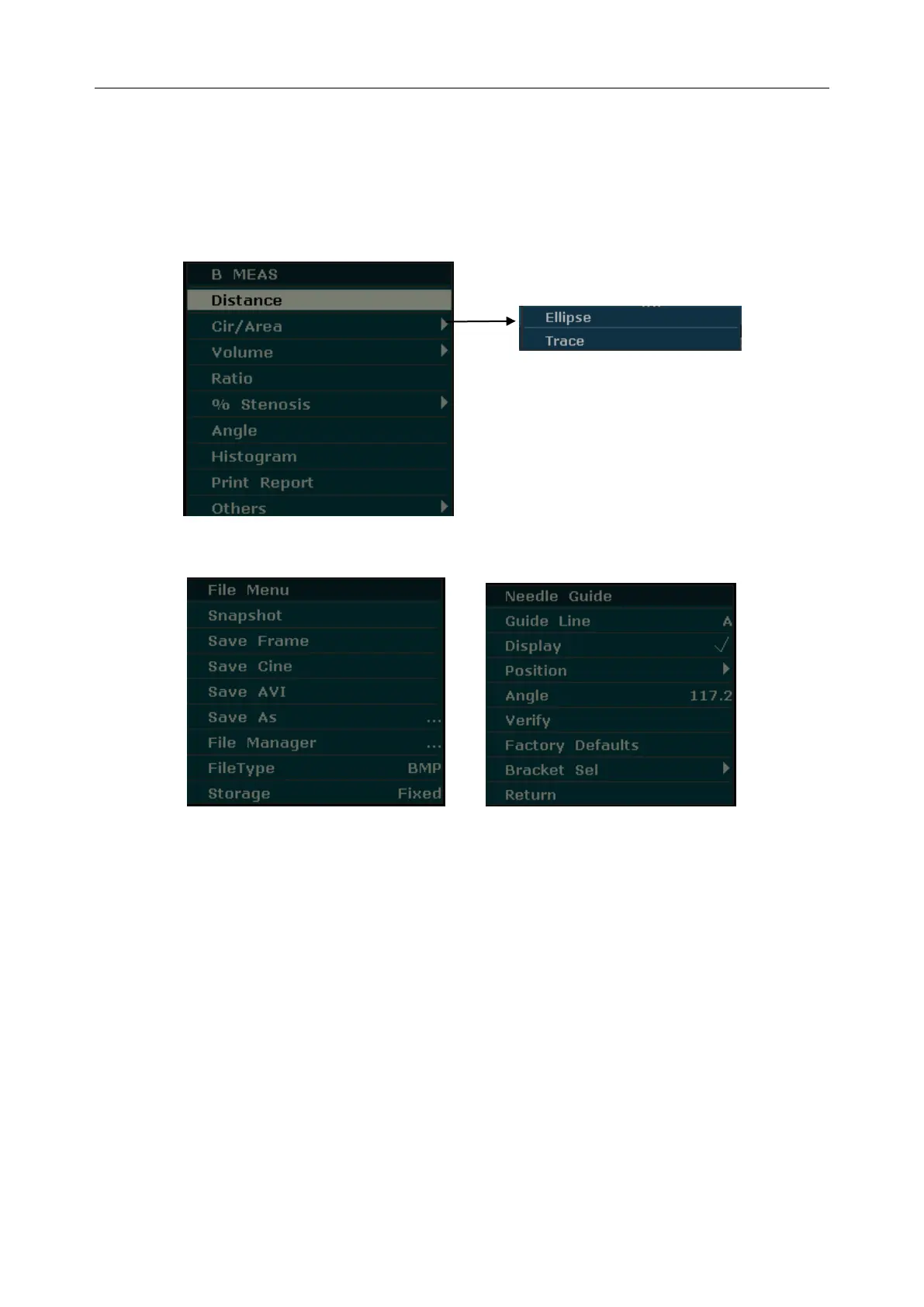
Example: The secondary menu of Cir/Area contains Ellipse and Trace, shown as below.
After entering B mode, press Measure to display the menu below, and highlight the option
Cir/Area, the system will display the secondary menu Ellipse and Trace.
Figure 5-8 Secondary Menu
Figure 5-9 File Menu Figure 5-10 Needle Guide Menu
5.6. Dialog Box Operation
The dialog box may have a few tabs, as shown below. You can select one tab at a time with
trackball and Set. Also, you can modify the parameter following the prompt instruction, and then
highlight OK and press Set to save the modified parameters and close the dialog box; or highlight
Cancel to give up the modification and close the dialog box directly.



 To Next Page