Table 5-3 Additional Control Functions
These functions can be set using the Set and the Back keys.
5.5. Menu
Menus are displayed on the right of the screen. Only one menu can be activated at a time. The
types are shown as follows:
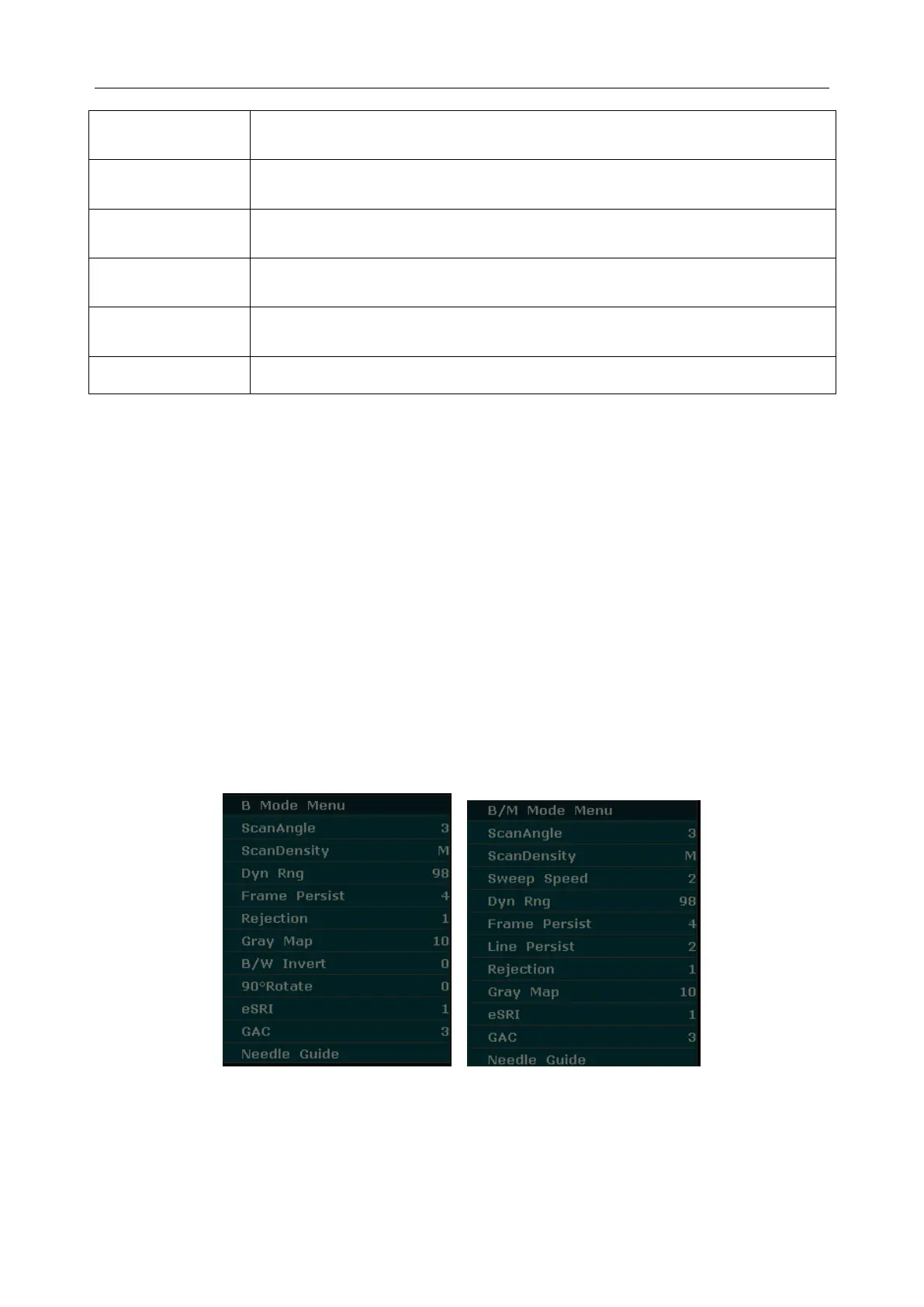
System status menu
In B mode or B/M mode, the system status menu provides information about the current imaging
mode. In 2B and 4B modes, it indicates the status and parameters of the active image. In M mode,
it indicates the status and parameters of M sweep. In the PW mode, it indicates the status and
parameters of Doppler wave and 2D image. The following are the system status menus of B
mode, B/M mode, M mode, and PW mode respectively.



 To Next Page