P3V Veterinary Digital Ultrasonic Diagnostic Imaging System User Manual
- 48 -
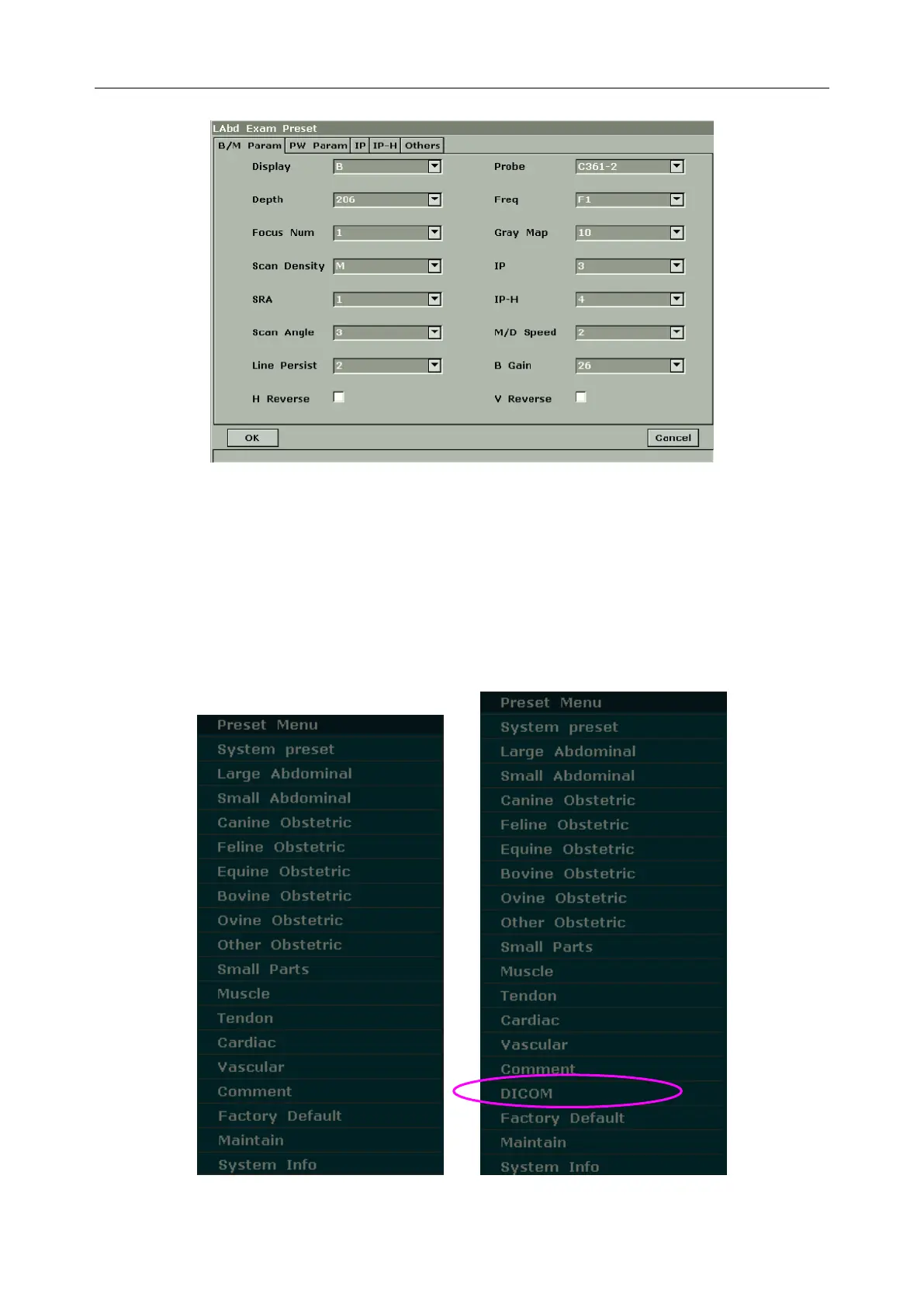
Figure 5-11 Labd Examination Presetting Dialog Box
5.7. Presetting
5.7.1. Entering and Exiting
To activate presetting function:
1. Press Preset, and the system displays the preset menu, as shown below.
Figure 5-12 Preset Menu (the left—with no DICOM installed, and the right—with DICOM installed)



 To Next Page