P3V Veterinary Digital Ultrasonic Diagnostic Imaging System User Manual
- 57 -
3. Press Del to delete the created comment.
4. Press OK to save the modification, or press Cancel to give up and close the dialog box.
5.7.6. Factory Default
In preset menu, move the cursor to highlight Factory Default and press Set, a dialog of “Restore
the Data” pops up, select Yes to restore the data or select No to cancel the operation.
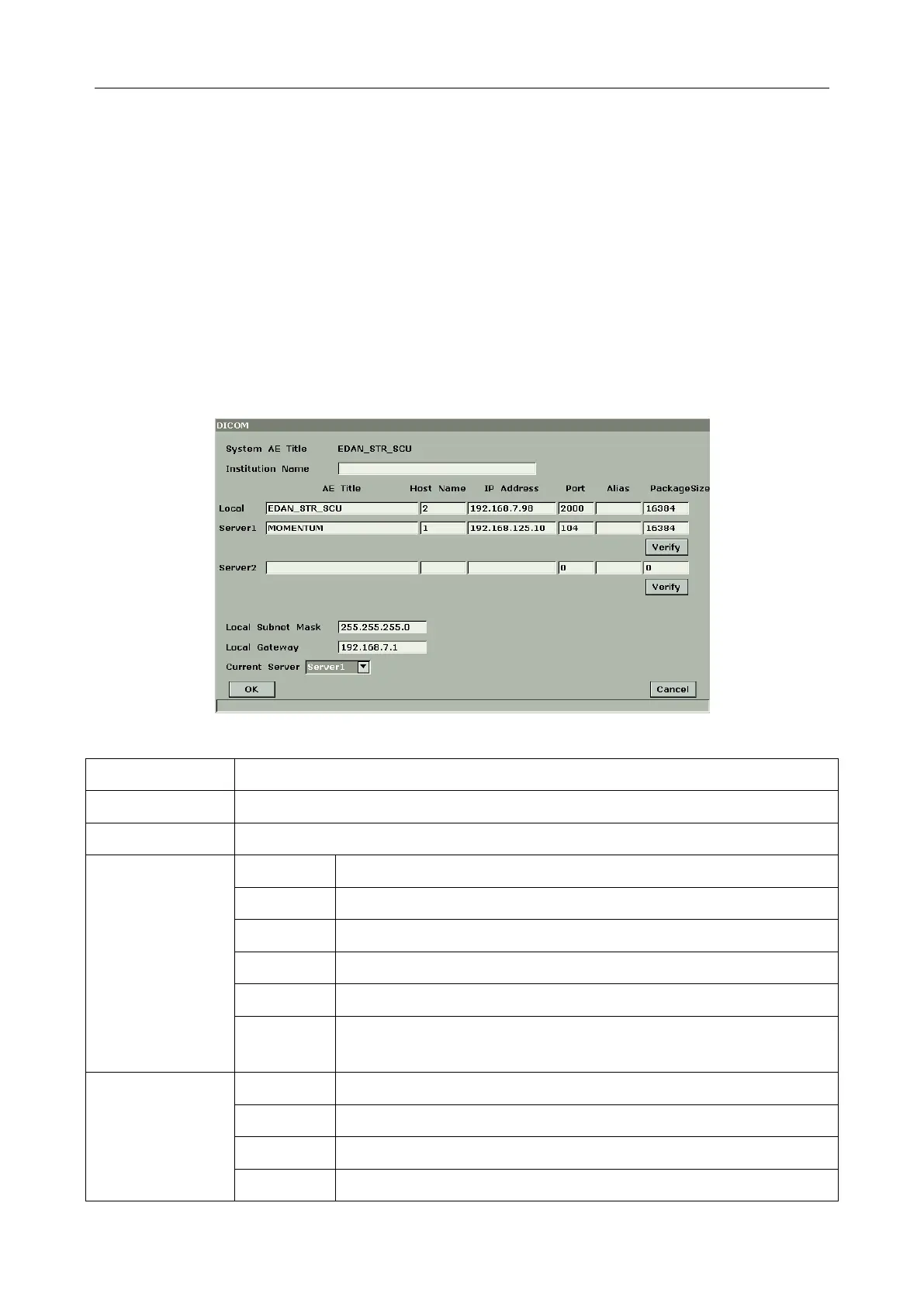
5.7.7. Presetting DICOM
If you have installed the DICOM software, perform the DICOM presetting as shown below.
Figure 5-22 DICOM Presetting



 To Next Page