P3V Veterinary Digital Ultrasonic Diagnostic Imaging System User Manual
- 41 -
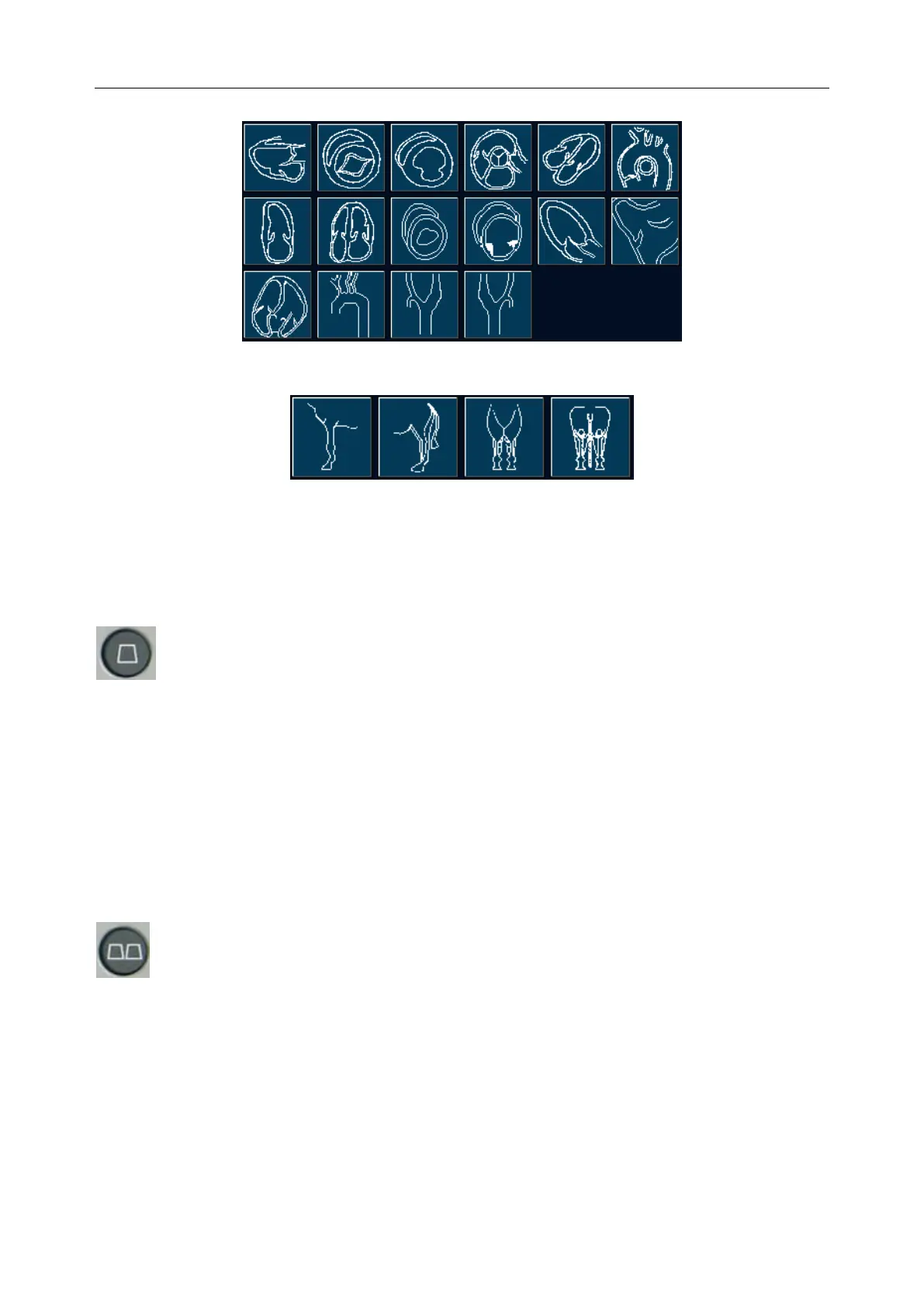
Car
Limb
Figure 5-4 Body Marks
5.4.7. Imaging Functions
B mode Imaging Control
Press this key to enter the B mode. The system displays a single real-time B mode image.
B indicates brightness, or two-dimensional (2D) gray scale imaging.
NOTE:
To return to a real-time B mode image from any imaging mode, press B control. This also
deletes all measurements, calculations, comments, or body marks that are displayed on
the screen.
2B mode Imaging Control
This key has two functions:
Press this key to enter the 2B mode.
Press this key to activate one of the dual images. The probe direction of the activated image
is brighter than that of the frozen image.



 To Next Page