P3V Veterinary Digital Ultrasonic Diagnostic Imaging System User Manual
- 40 -
To move a body mark:
1. Move the cursor to a body mark, Press Set button, and there is a pane around the body mark;
2. Press Set and move the cursor to a new position;
3. Press Set to confirm the new position.
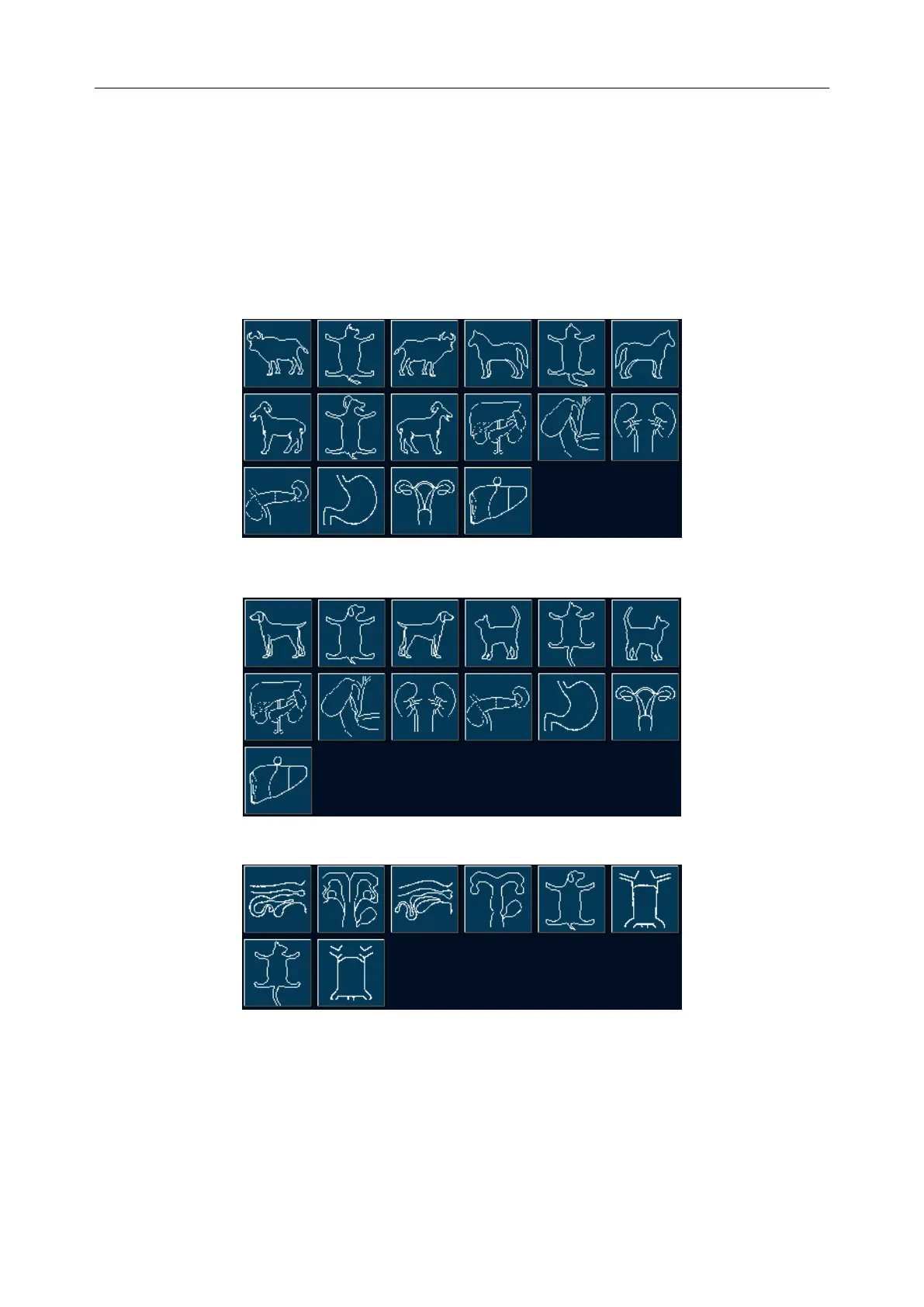
Body marks are as shown below:
Abd-Large
Abd-Small
OB



 To Next Page