P3V Veterinary Digital Ultrasonic Diagnostic Imaging System User Manual
- 33 -
Speckle Resistance Imaging
Press this key to reduce noise and enhance image quality.
Colorization key
Press this key to colorize the image.
Cobalt, Sage, Sepia, magenta, flame, tan, or gray.
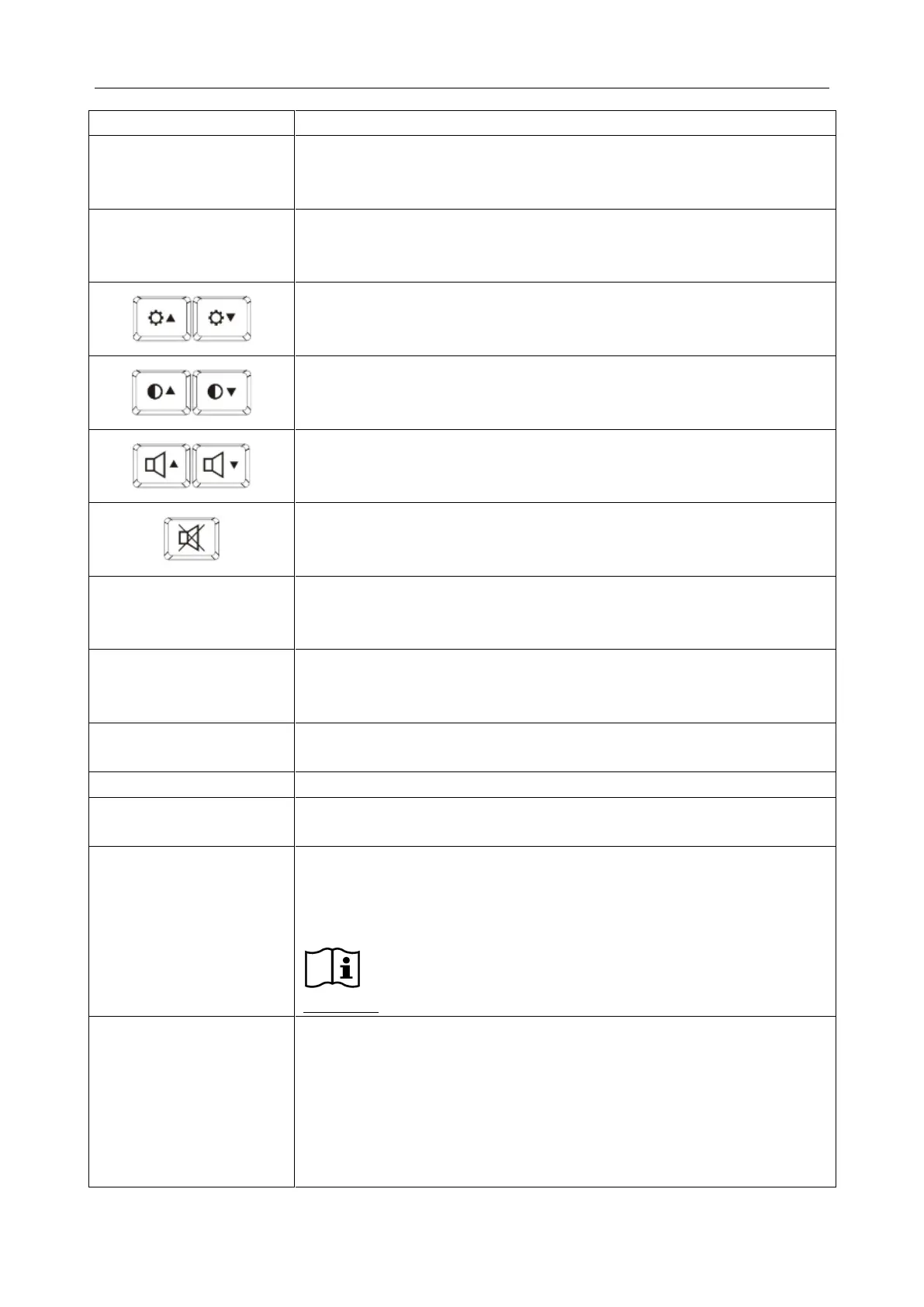
Brightness adjusting keys
Press these two keys to adjust brightness. And the brightness symbol will
be displayed at the bottom of the screen
Contrast adjusting keys
Press these two keys to adjust contrast. And the contrast symbol will be
displayed at the bottom of the screen
Volume adjusting keys
Press these two keys to adjust volume in the PW mode. And the volume
symbol will be displayed at the bottom of the screen
Sound muting key
Press this to close the loudspeaker in the PW mode. And the mute
symbol will be displayed at the bottom of the screen
Space key
Press this key in the annotation mode and comment mode to introduce a
blank space on the cursor position.
Shift + Alphabetic key combination
Press SHIFT and an alphabetic key corresponding to the language’s
special character.
Alphabetic Shift key
It is used to shift the characters between lowercase and uppercase.
Press this to display or to hide the menu.
Examine Menu key
Press this key to display or to exit the examination type menu.
Probe Switch key
Diverse probes are available for this device. Press this key to select a
proper type of connected probe with the corresponding information in the
top right corner.
Reference Figure 5-1 Typical Image Screen.
Frequency Shift Key
Press this key to switch to the proper operating frequency for the
activated probe.
Three levels adjustable in basal wave, two levels adjustable in
harmonious wave.
When you change the frequency, the G (gain) will change
simultaneously.



 To Next Page