P3V Veterinary Digital Ultrasonic Diagnostic Imaging System User Manual
- 38 -
➢ To add an arrow:
1. Press Comment, and there is a cursor “І” displayed in the image area for annotating;
2. Press Set to display an arrow;
3. Move the trackball to move the position of the arrow; and the rotation function is
automatically activated and the rotation light is on. You can rotate this button to adjust the
arrow direction;
4. Press Set to set the position of the arrow.
To move a comment:
1. Move the cursor to a comment, and there is a pane around the comment;
2. Press Set and move the cursor to a new position;
3. Press Set to confirm the new position.
To delete a comment:
During commenting, you can use Bksp to cancel the undesired text word by word, or you can use
Back to cancel the undesired text one by one.
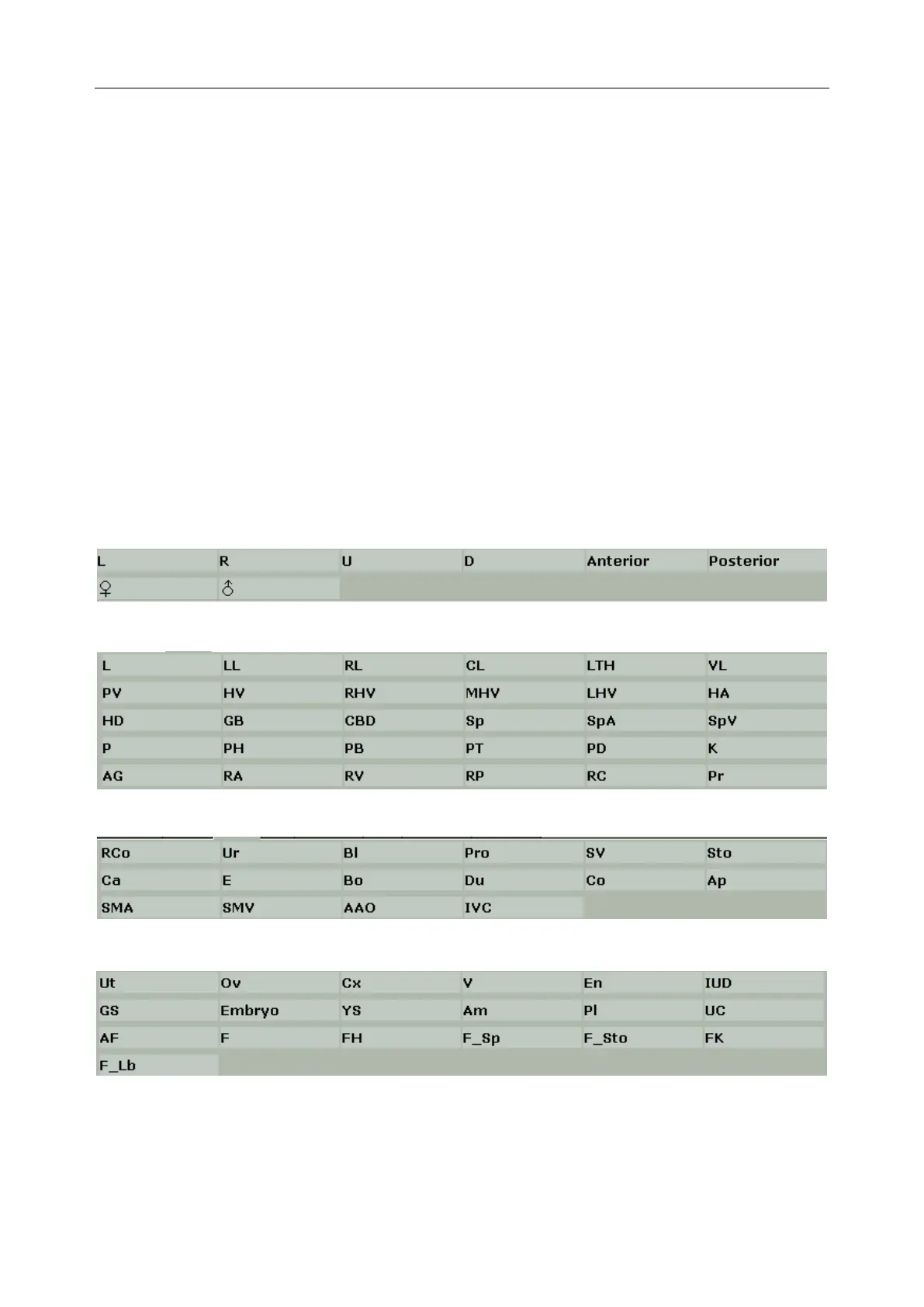
The comment library is shown below:
Generic
Abd 1
Abd 2
OB



 To Next Page